

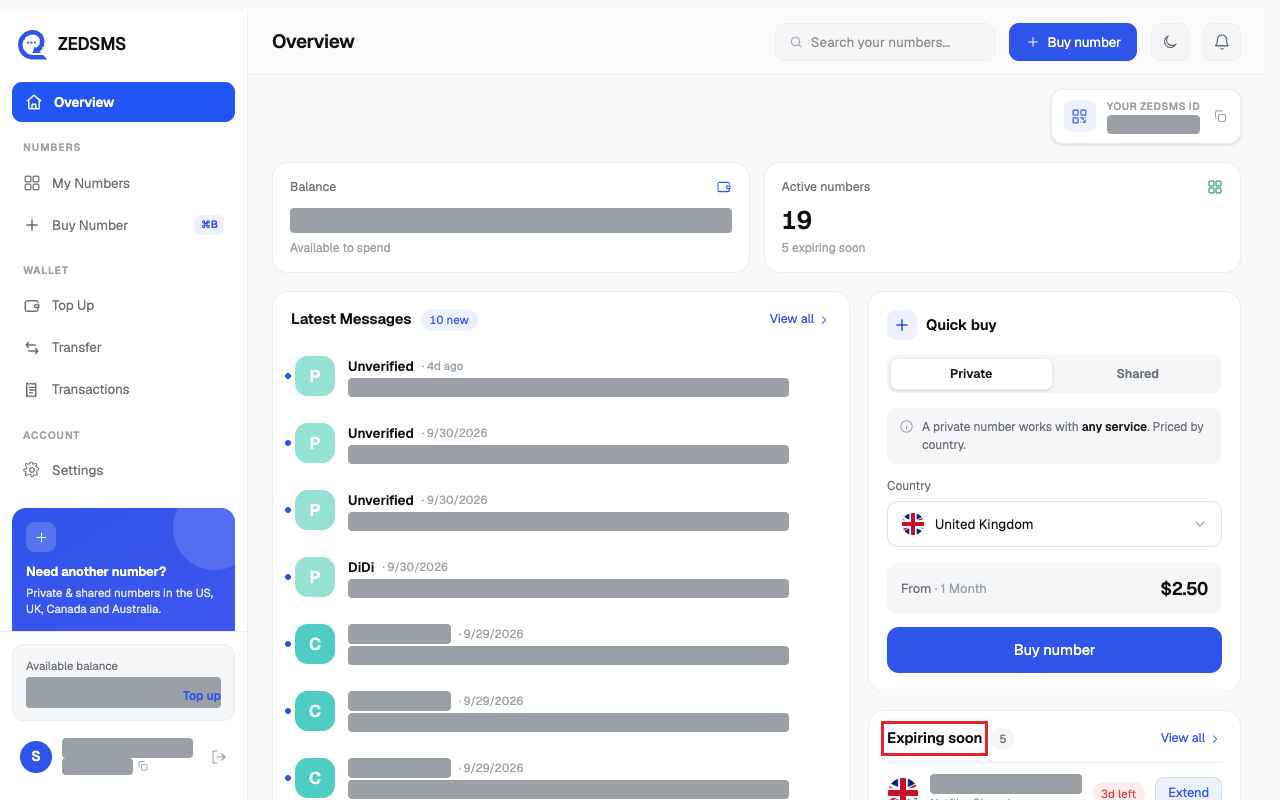
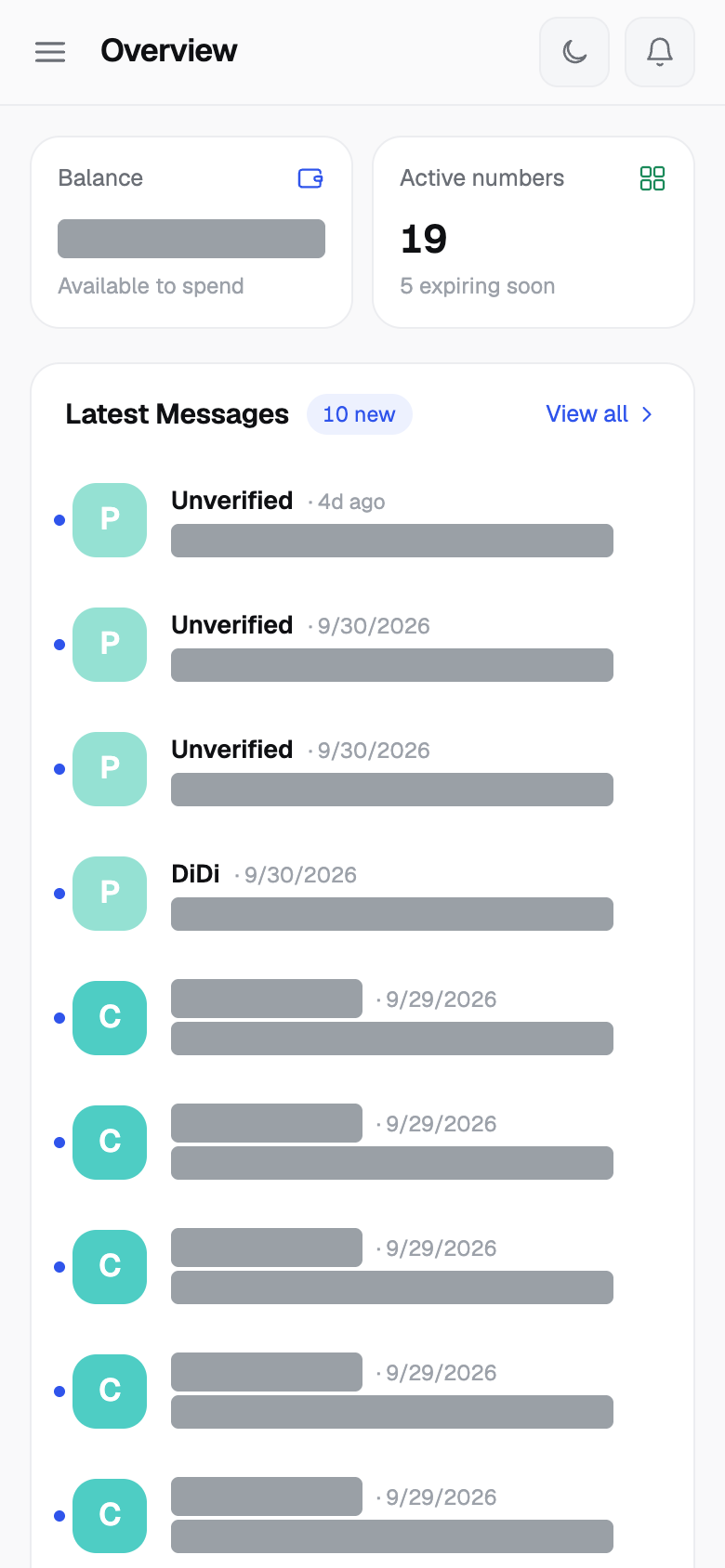
Overview is the first page after you sign in. It shows your balance, your numbers and your latest messages.
Before you start
- You are signed in.
Steps
- Click Overview in the left menu to get here.
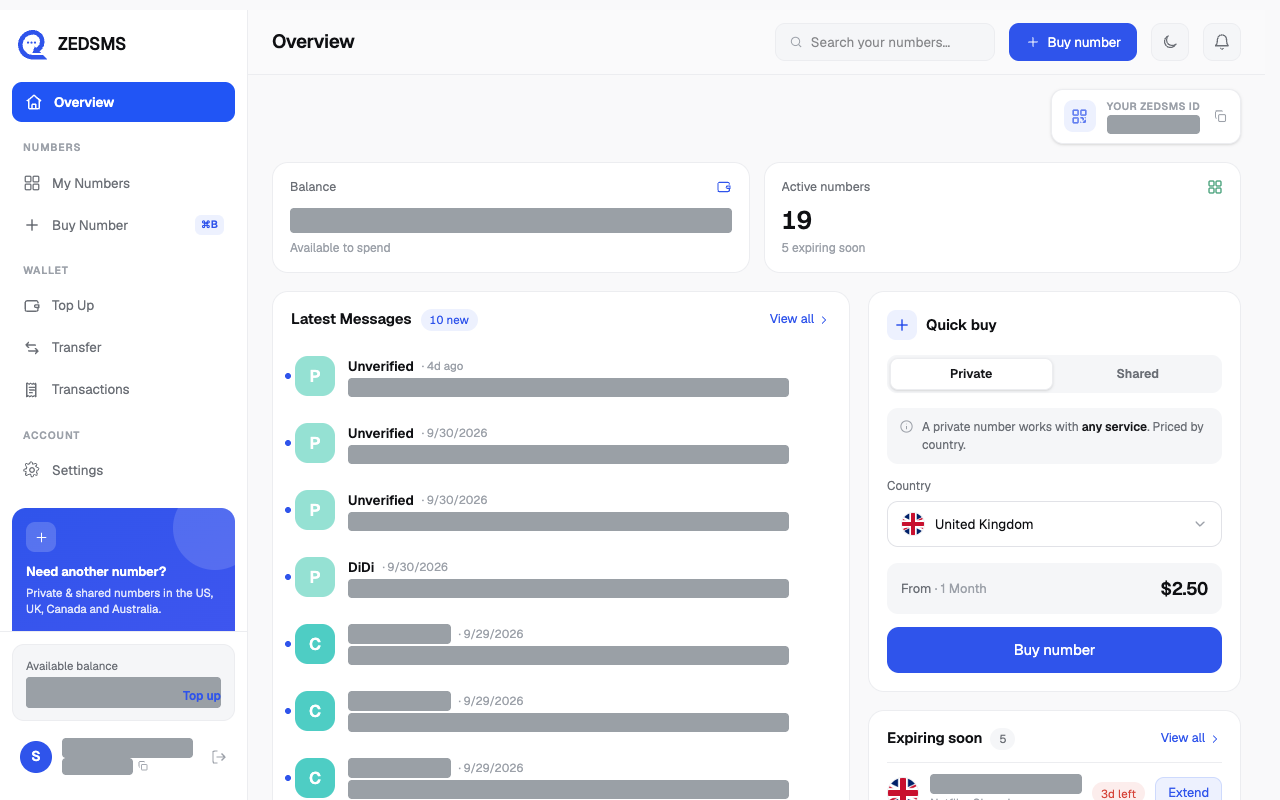
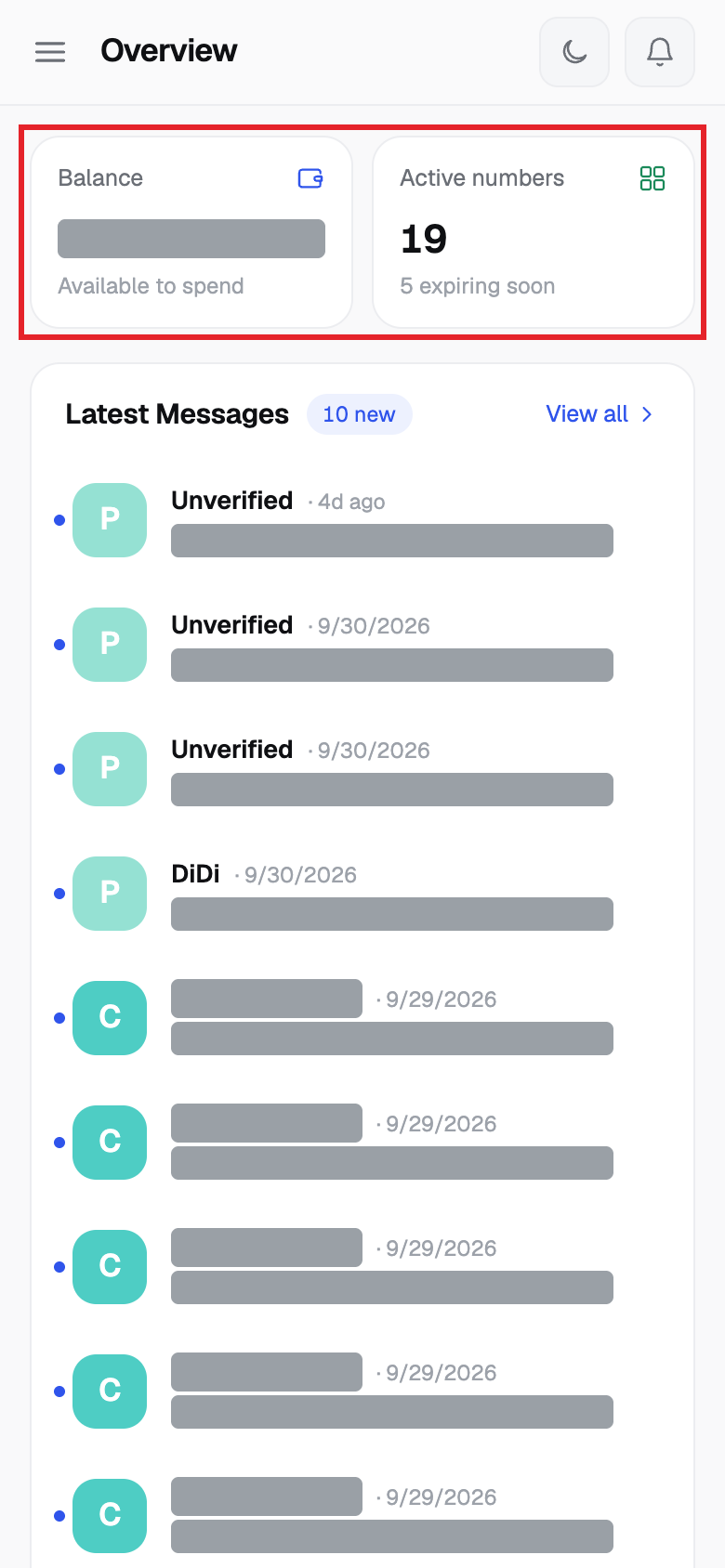
- The cards at the top show Balance and Active numbers (with how many expire soon).
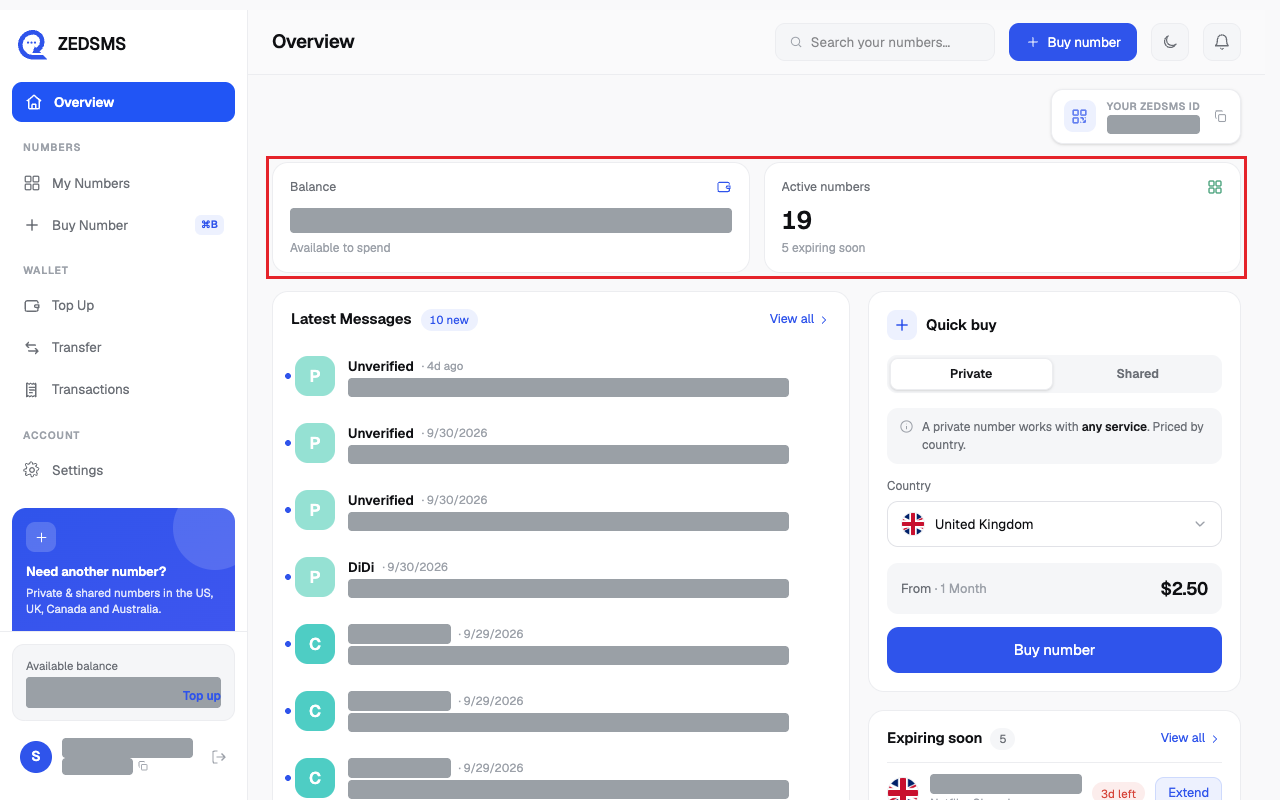
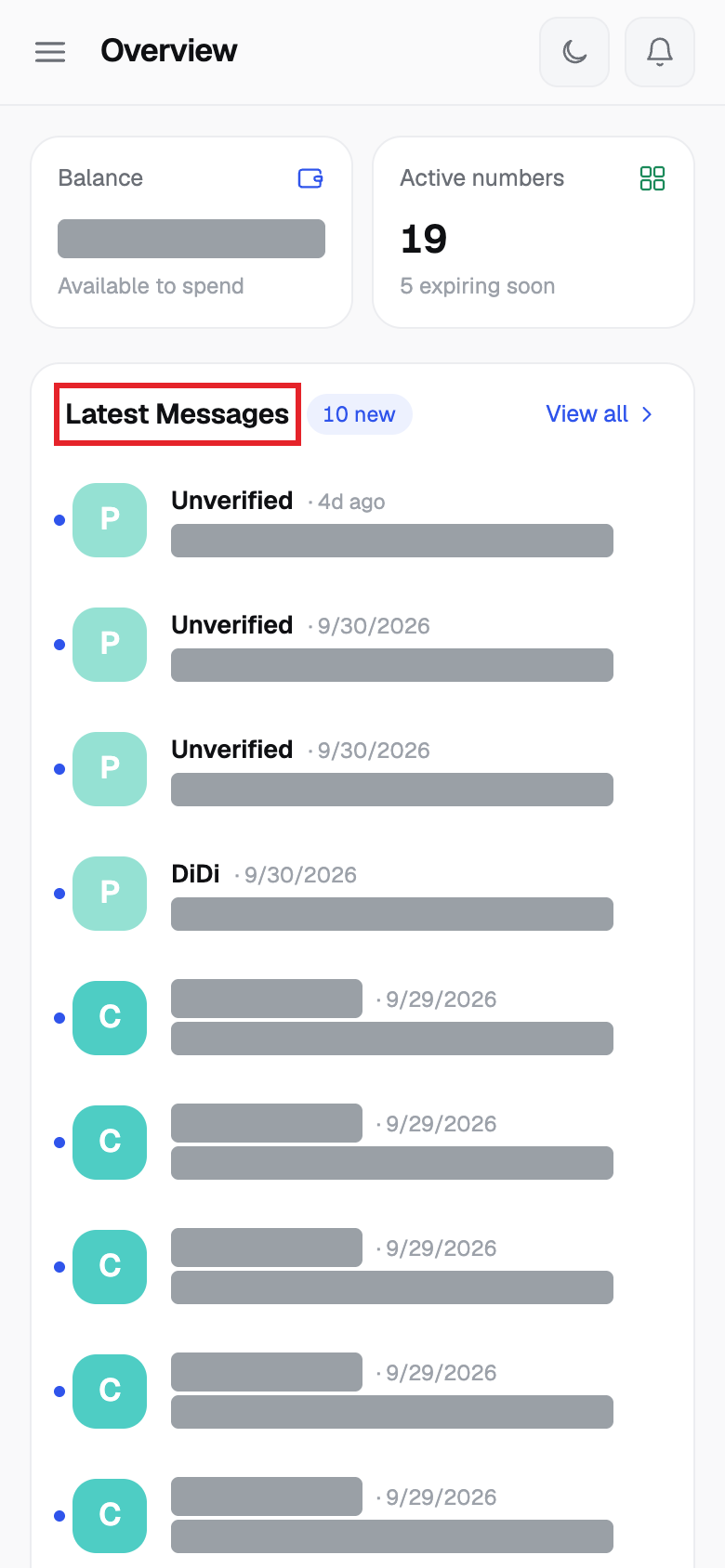
- Latest Messages lists your 10 newest messages. Click View all to open My Numbers.
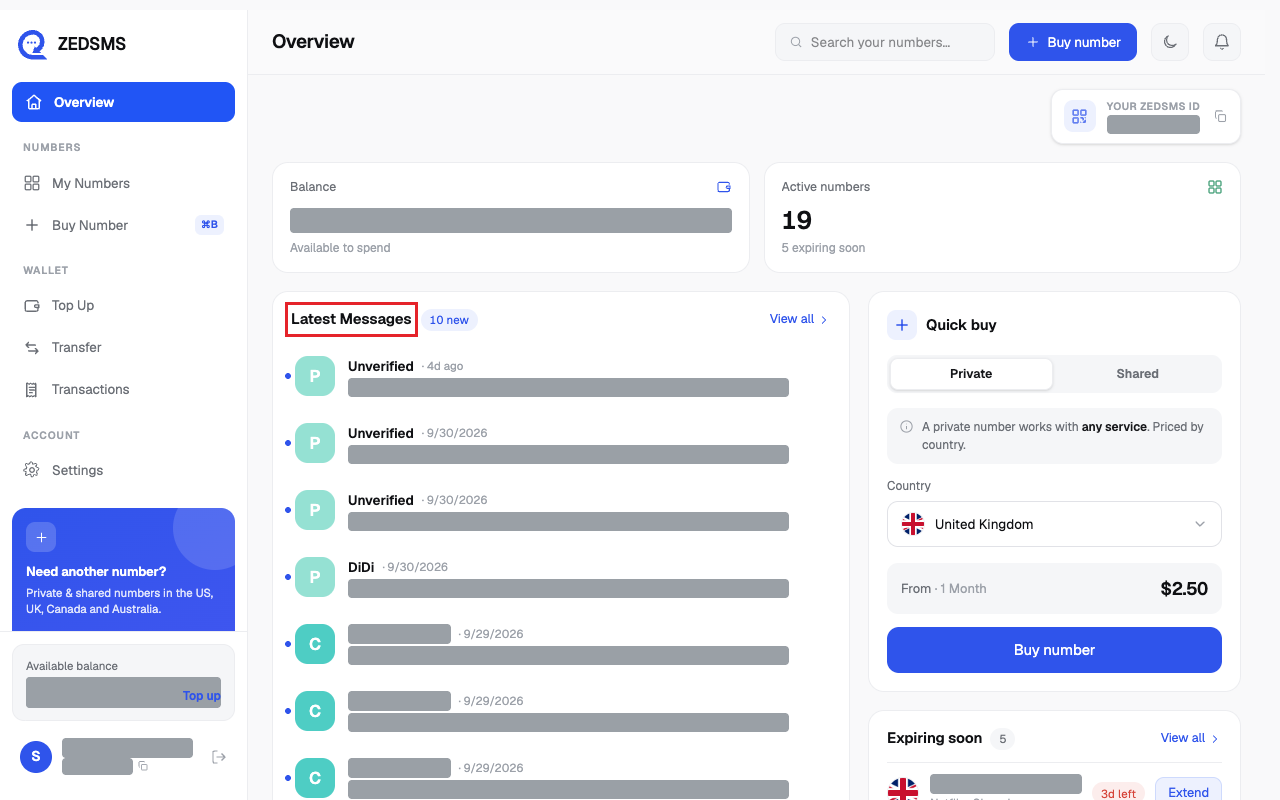
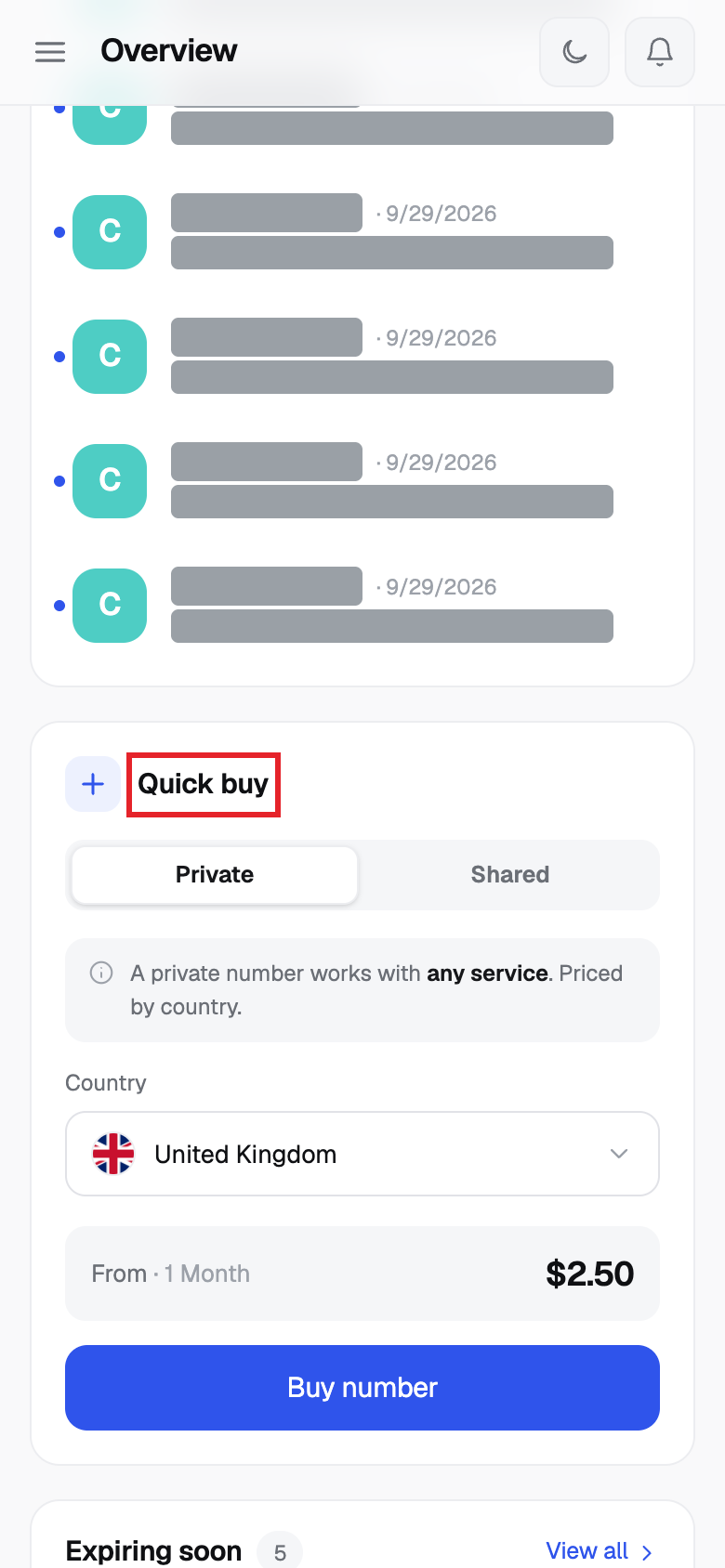
- Quick buy lets you choose Private or Shared, a Country (and a Service for Shared), see the starting price, and click Buy number.
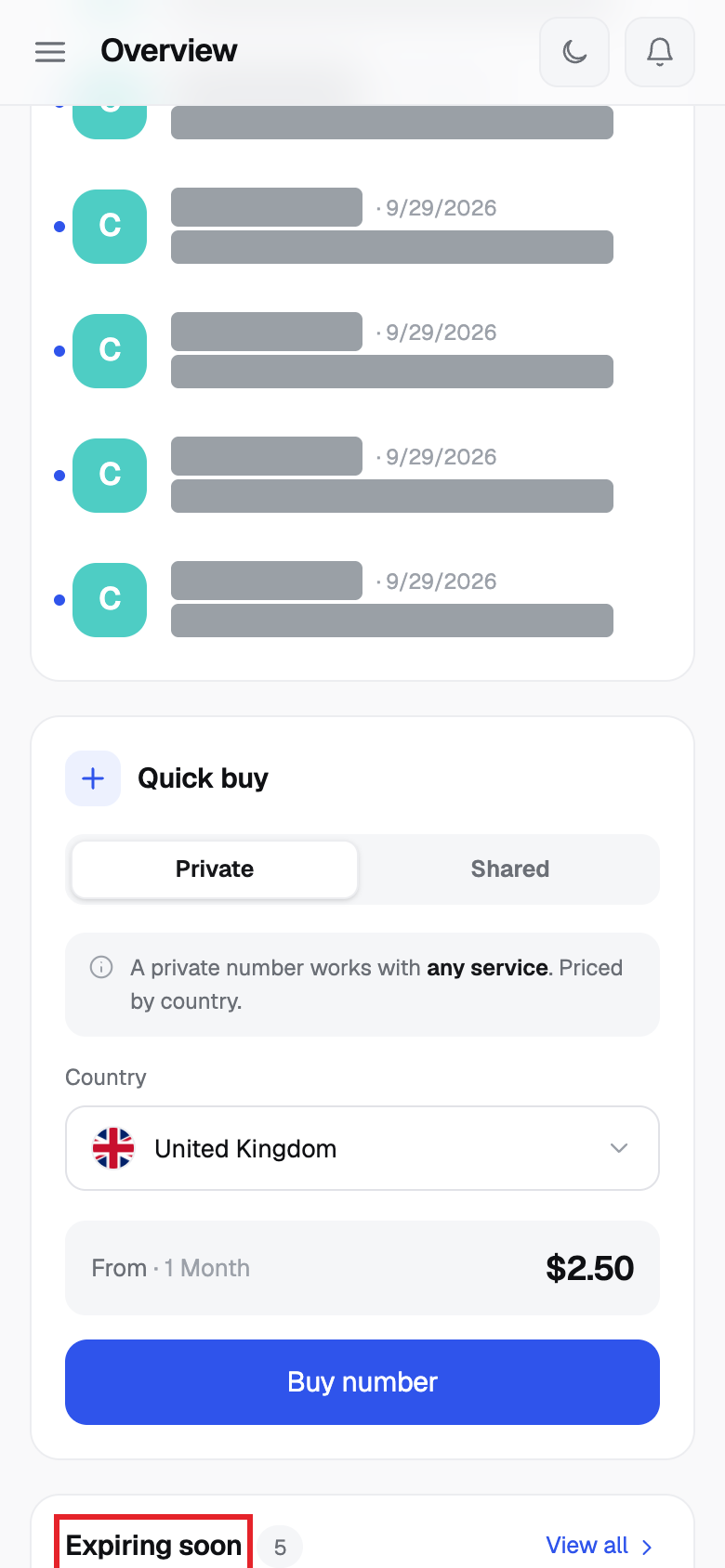
- Expiring soon lists numbers that end within 14 days. Click Extend to renew one.
Using a phone? See the same steps on a small screen
Step 1
Step 2
Step 3
Step 4
Step 5
Good to know
- The left menu has Overview, My Numbers, Buy Number, Top Up, Transfer, Transactions and Settings.
- The top bar has a search box for your numbers, the moon icon to switch dark or light, and the bell for notifications.
- On a phone, click the menu icon at the top left to open the left menu.
- Announcements from ZEDSMS can appear at the top of this page. You can dismiss them.
Common problems
- Loading countries… Wait a moment.
- Couldn't load countries Reload the page.