

Top up your ZEDSMS balance so you can buy and renew numbers. You can pay by bank card or with crypto.
Before you start
- You are signed in.
- A Visa or Mastercard for the card option, or a crypto wallet or exchange account for the crypto options.
- An amount in US dollars.
Steps
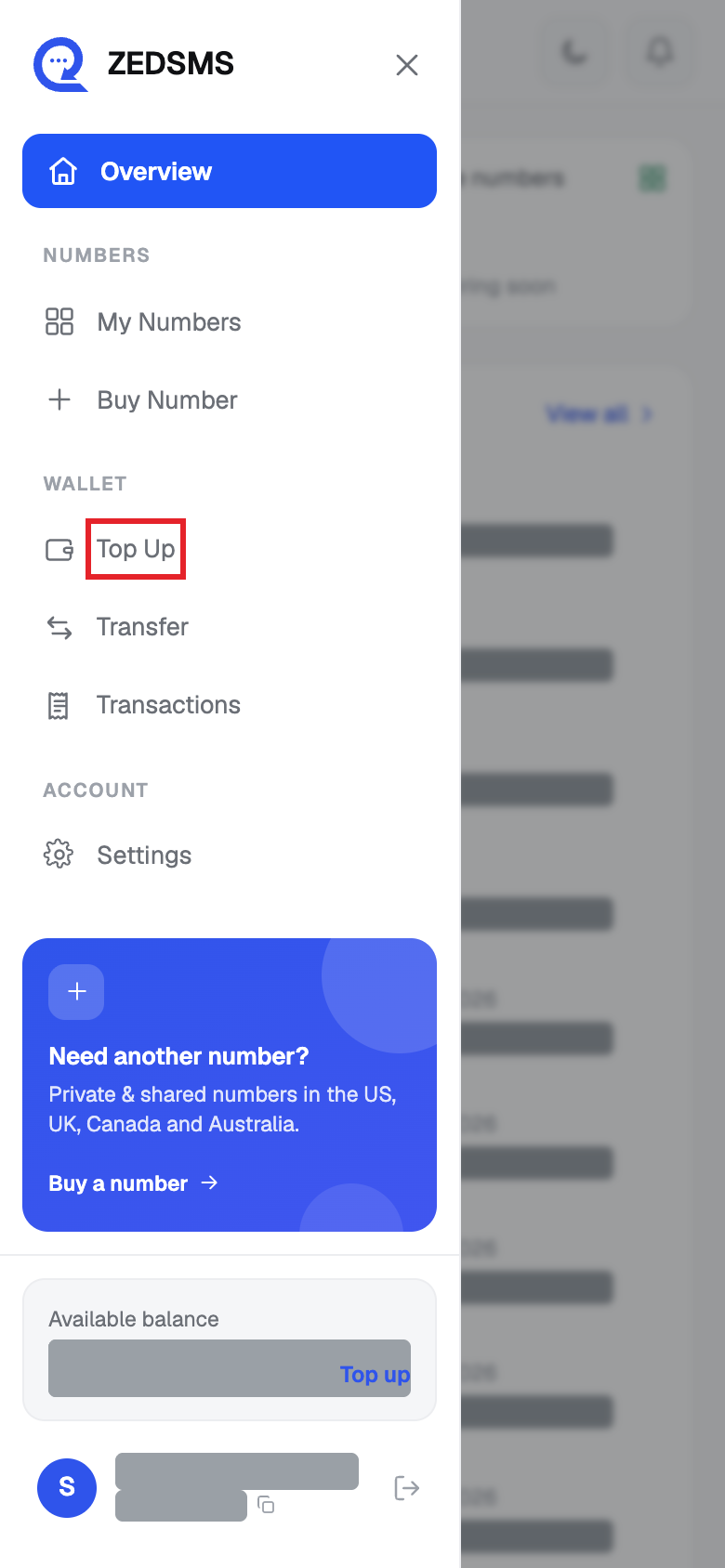
- Click Top Up in the left menu. On a phone, open the menu first.
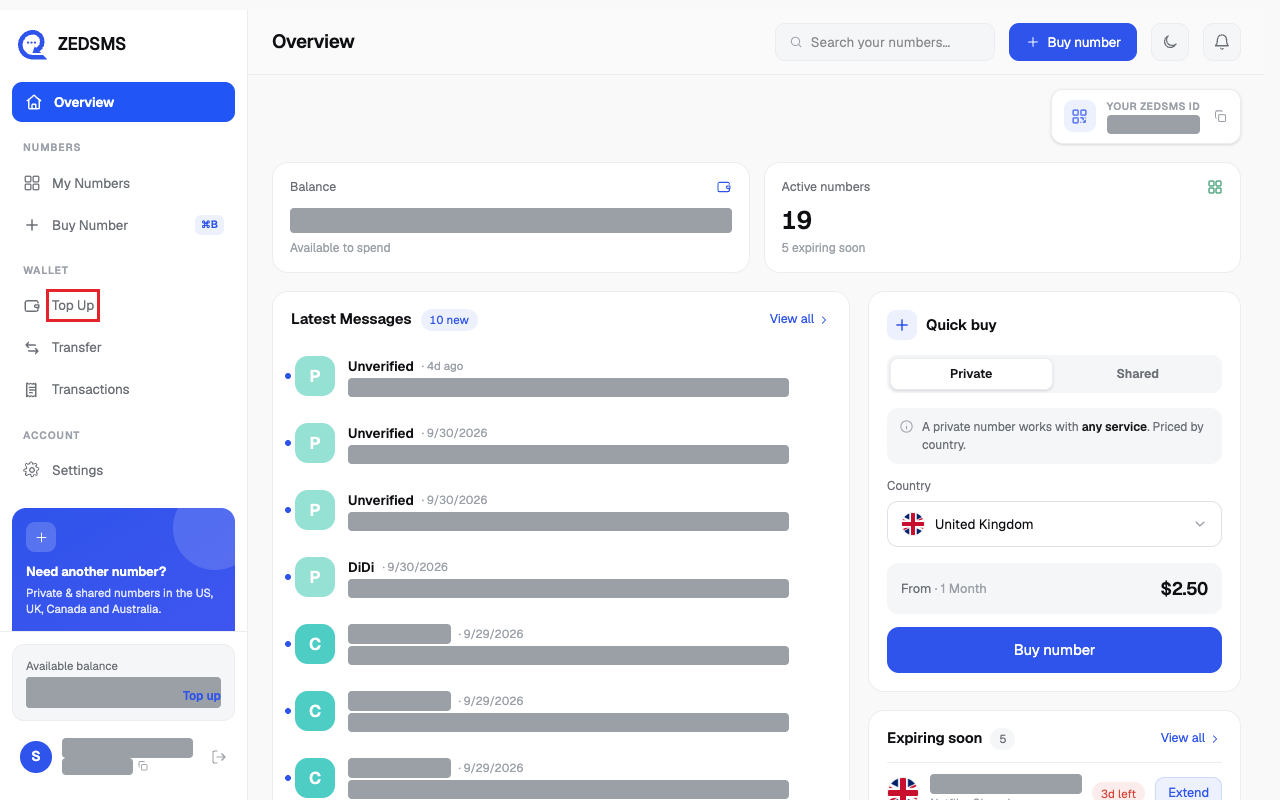
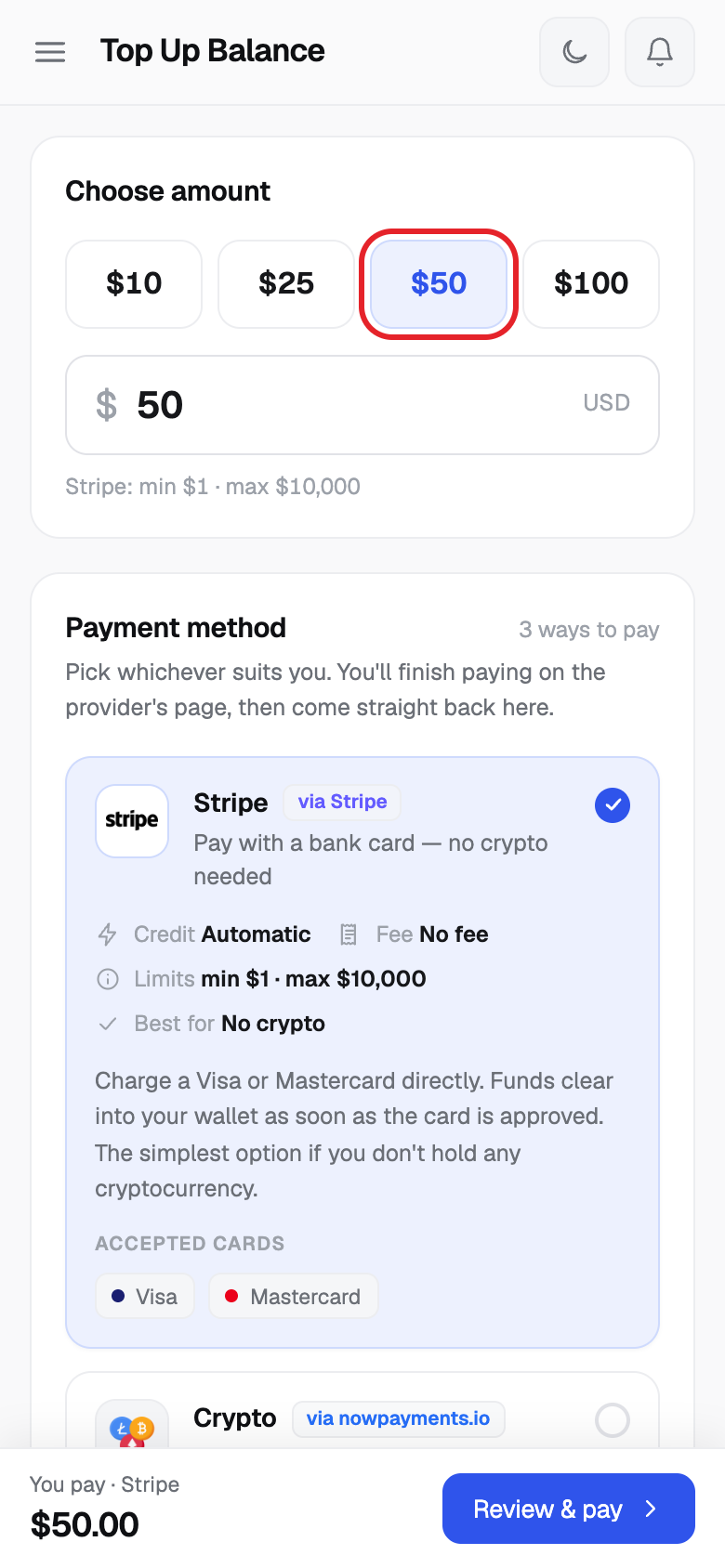
- Under Choose amount, click $10, $25, $50 or $100. Or type your own amount in the box (US dollars, up to 2 decimals).
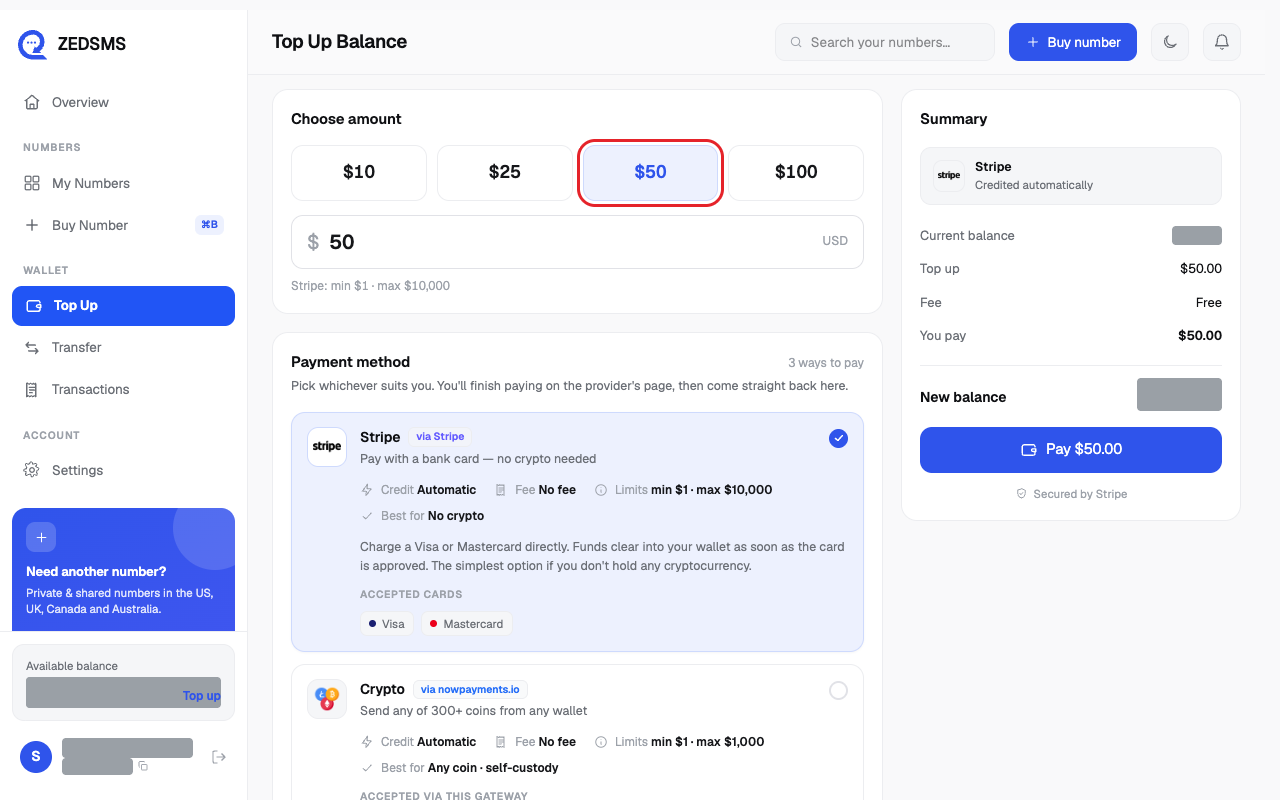
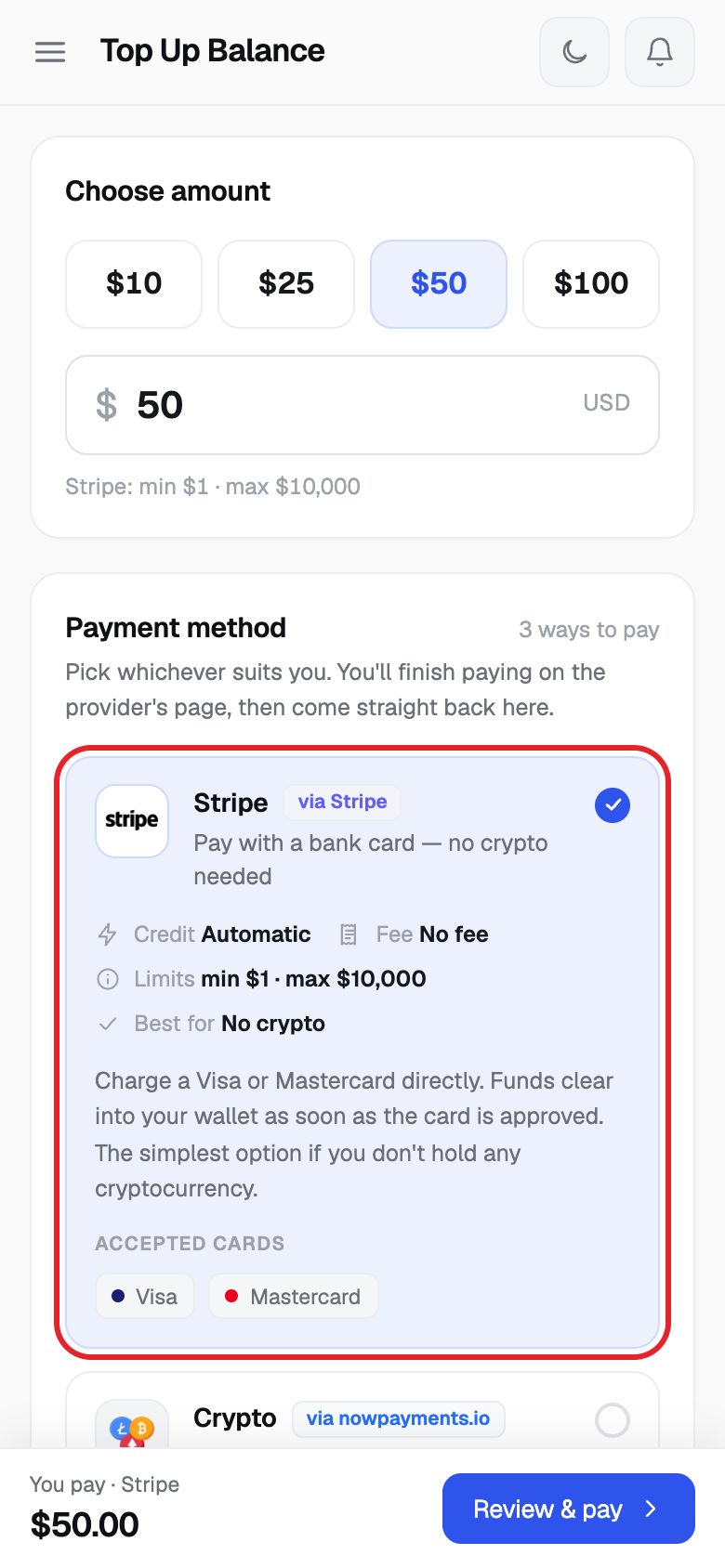
- Under Payment method, click Stripe to pay with a bank card (Visa or Mastercard).
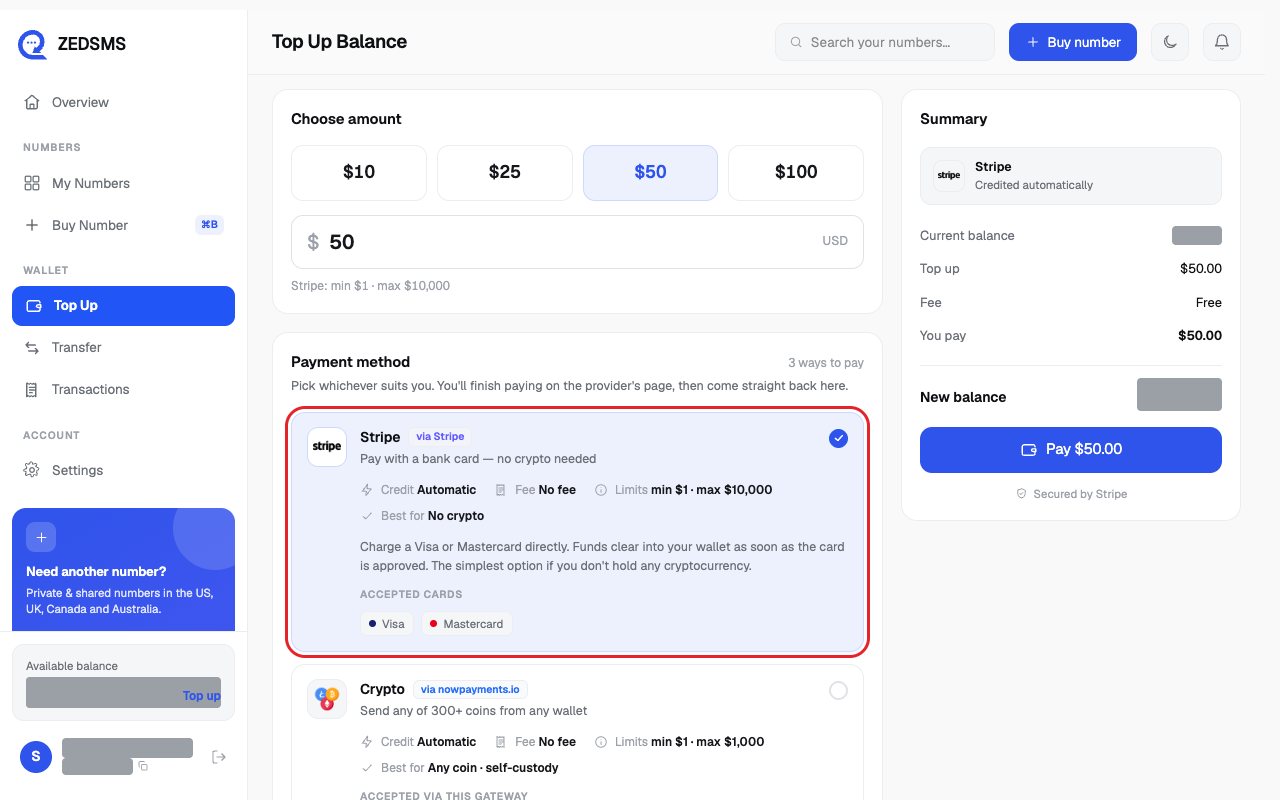
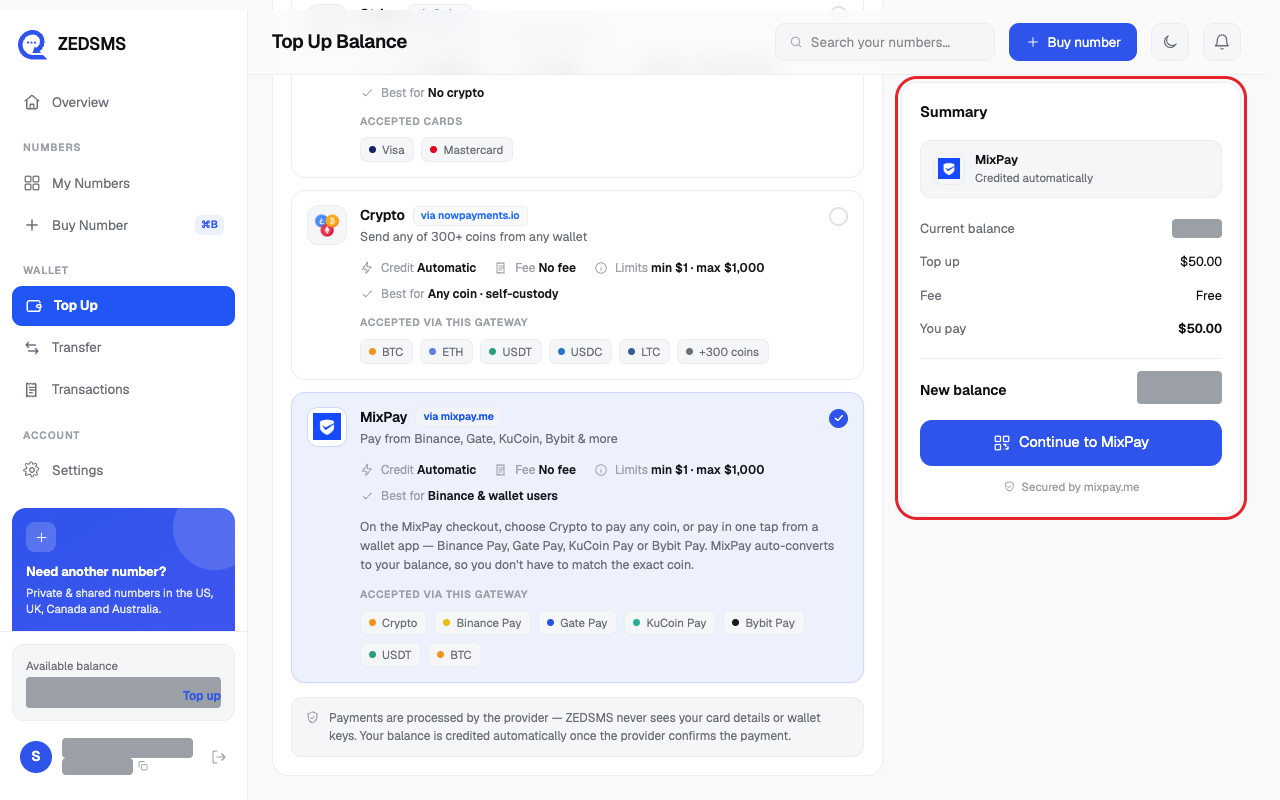
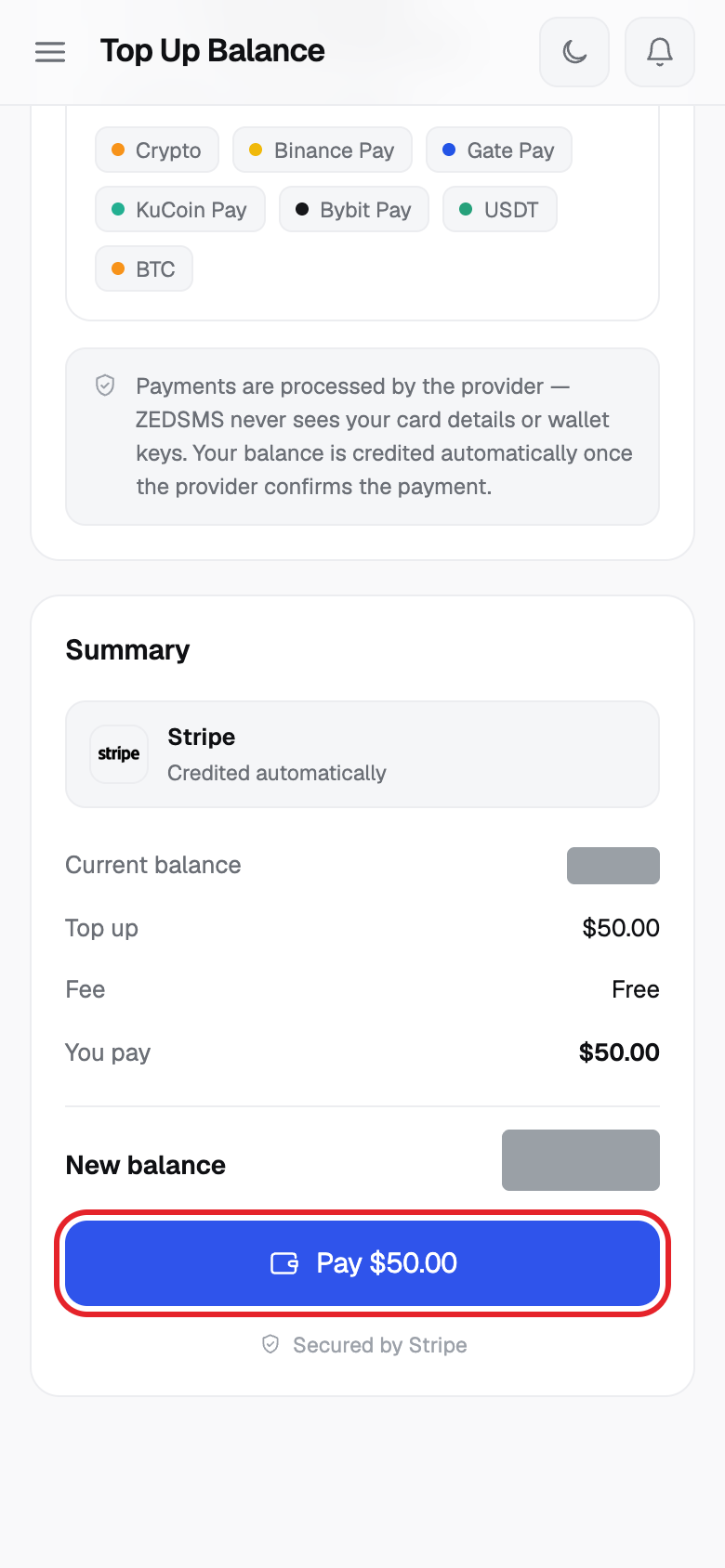
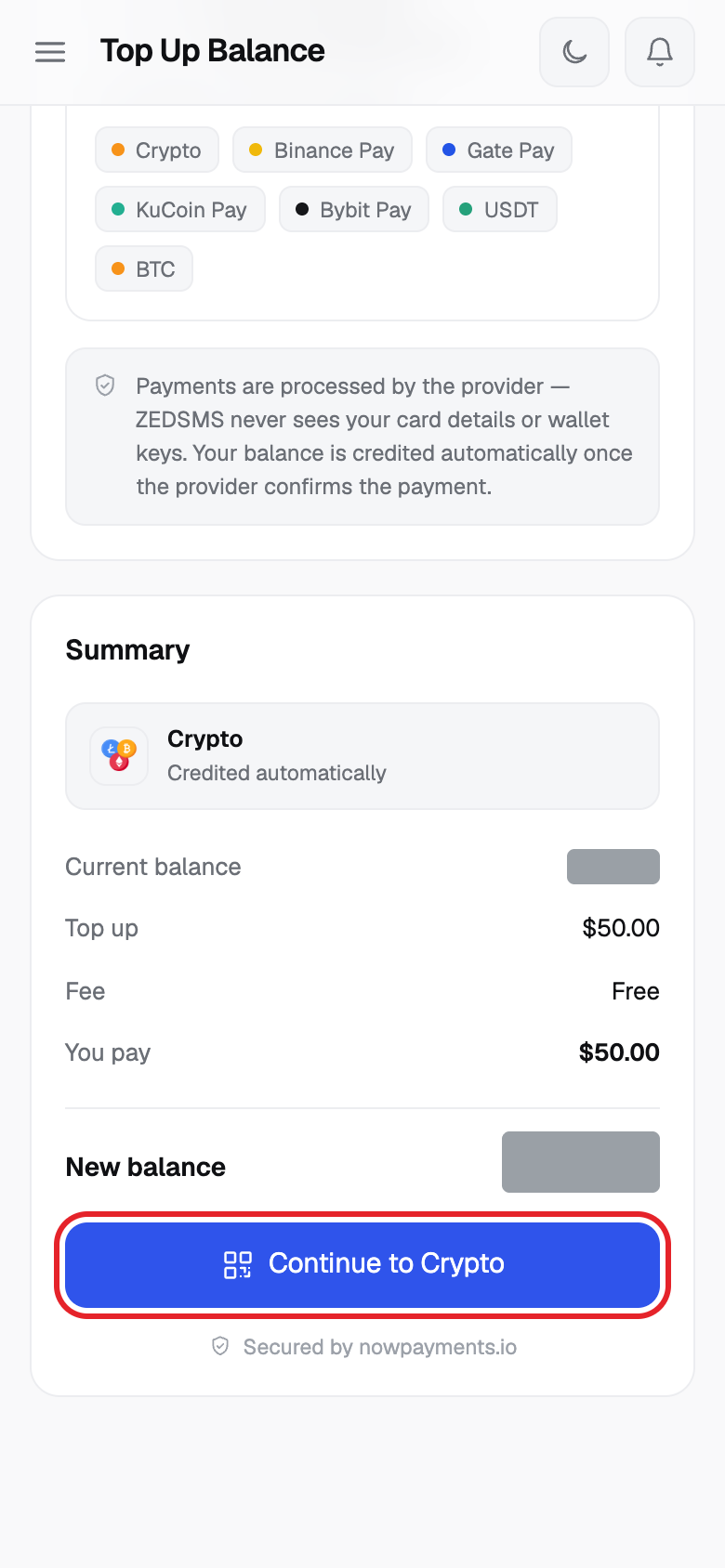
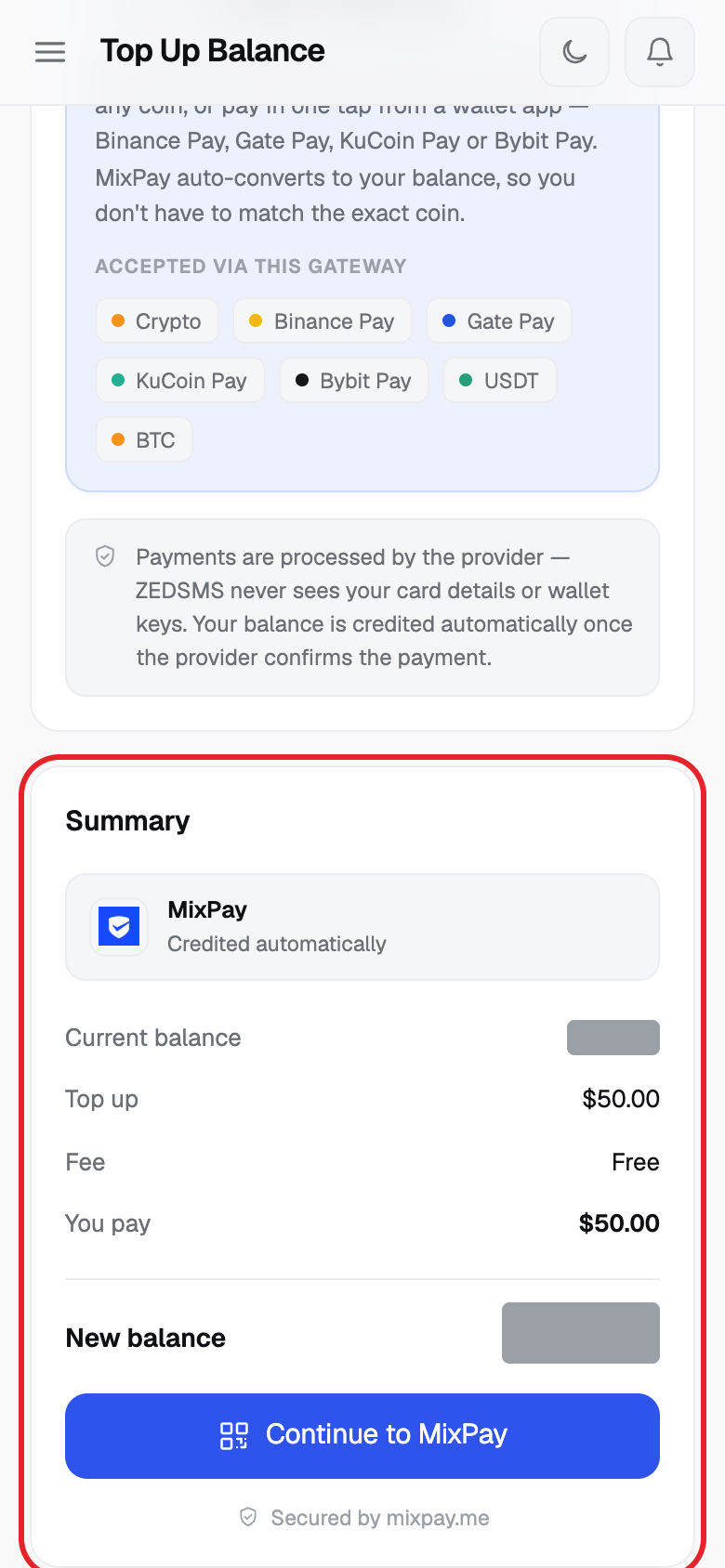
- Look at Summary. It shows Current balance, Top up, Fee, You pay and New balance.
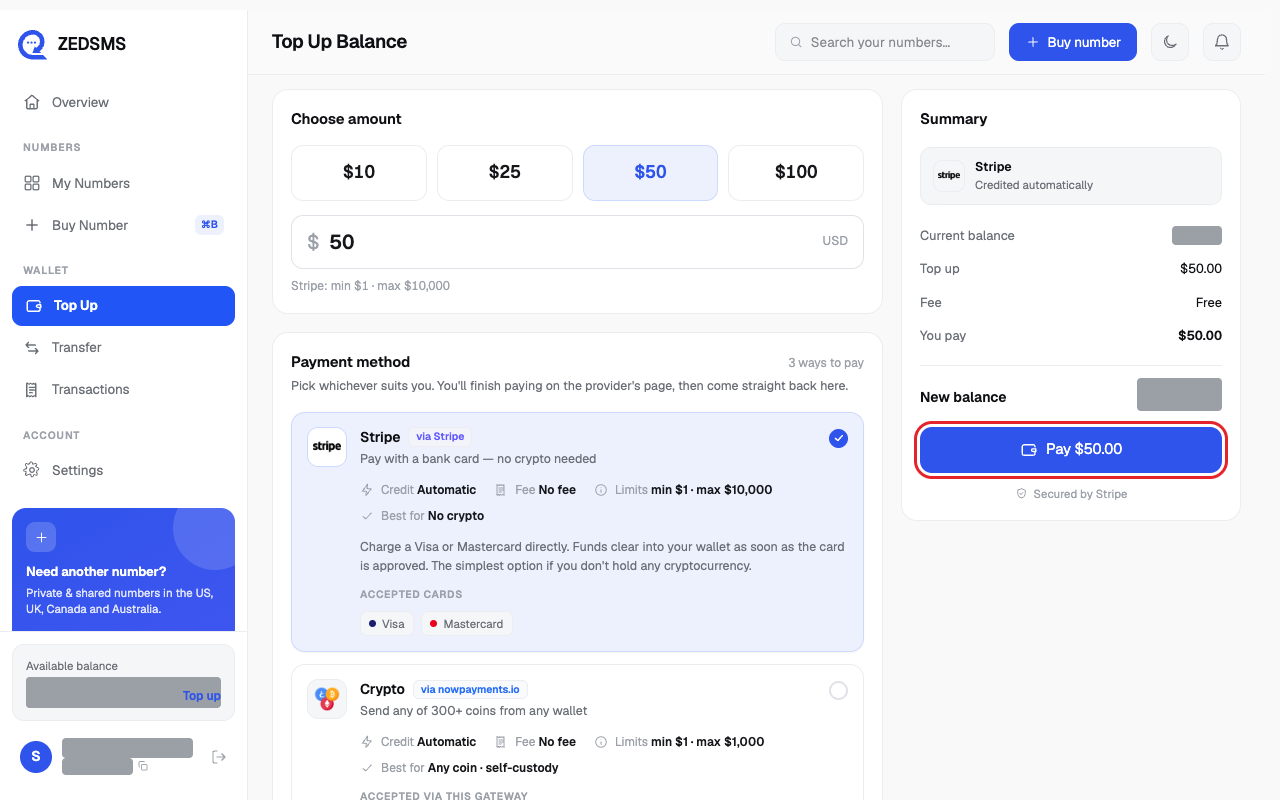
- Click Pay $ and the amount (for example Pay $50.00). You go to the payment page to enter your card. Do not close the tab.
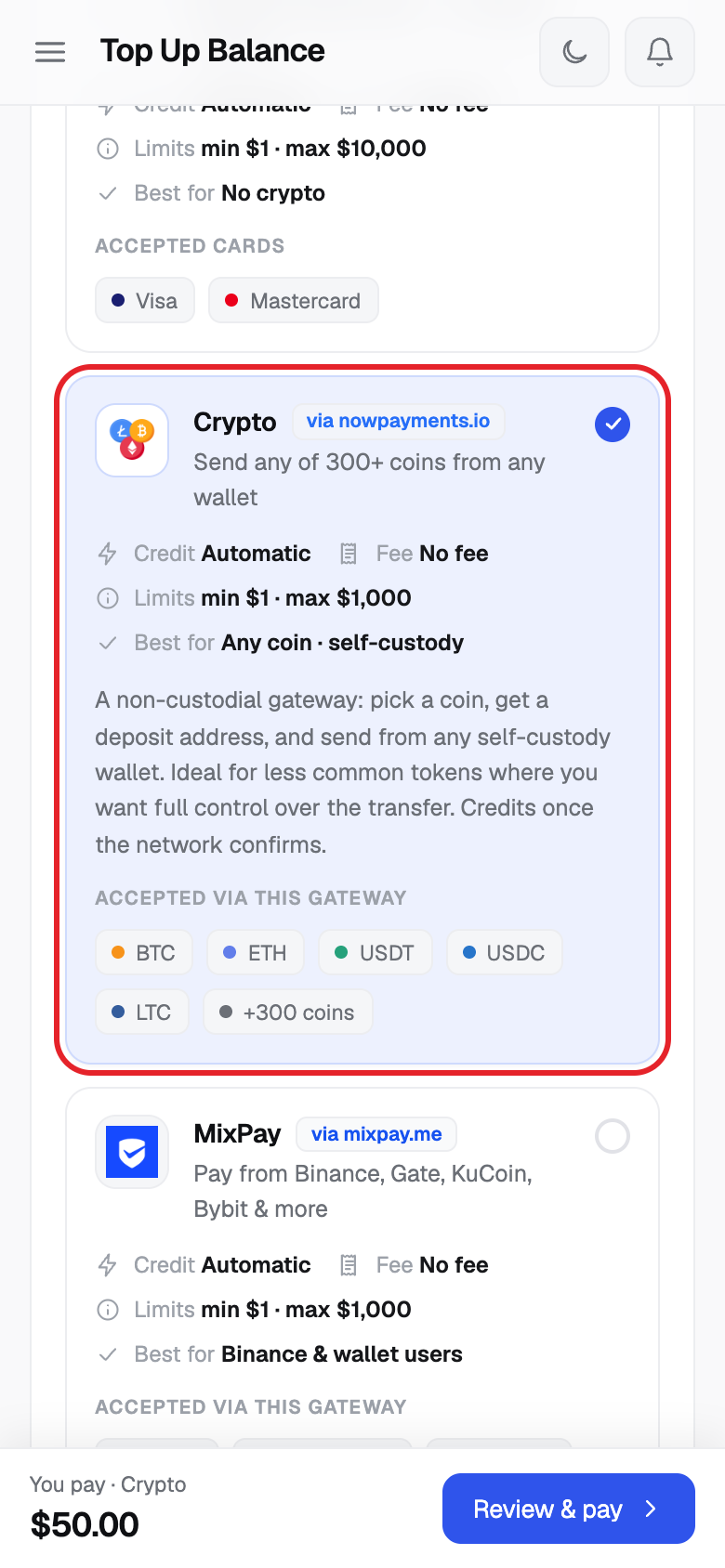
- To pay with crypto instead, click Crypto (any of 300+ coins from any wallet).
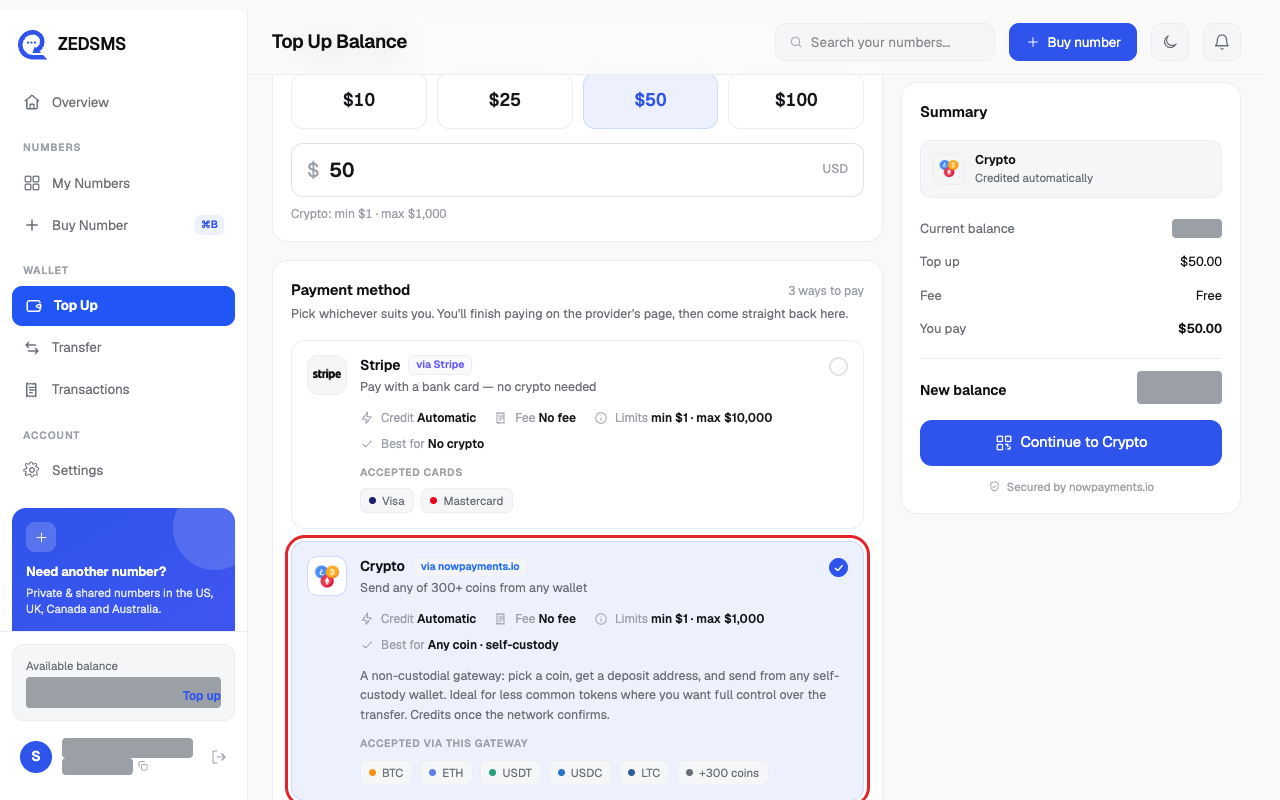
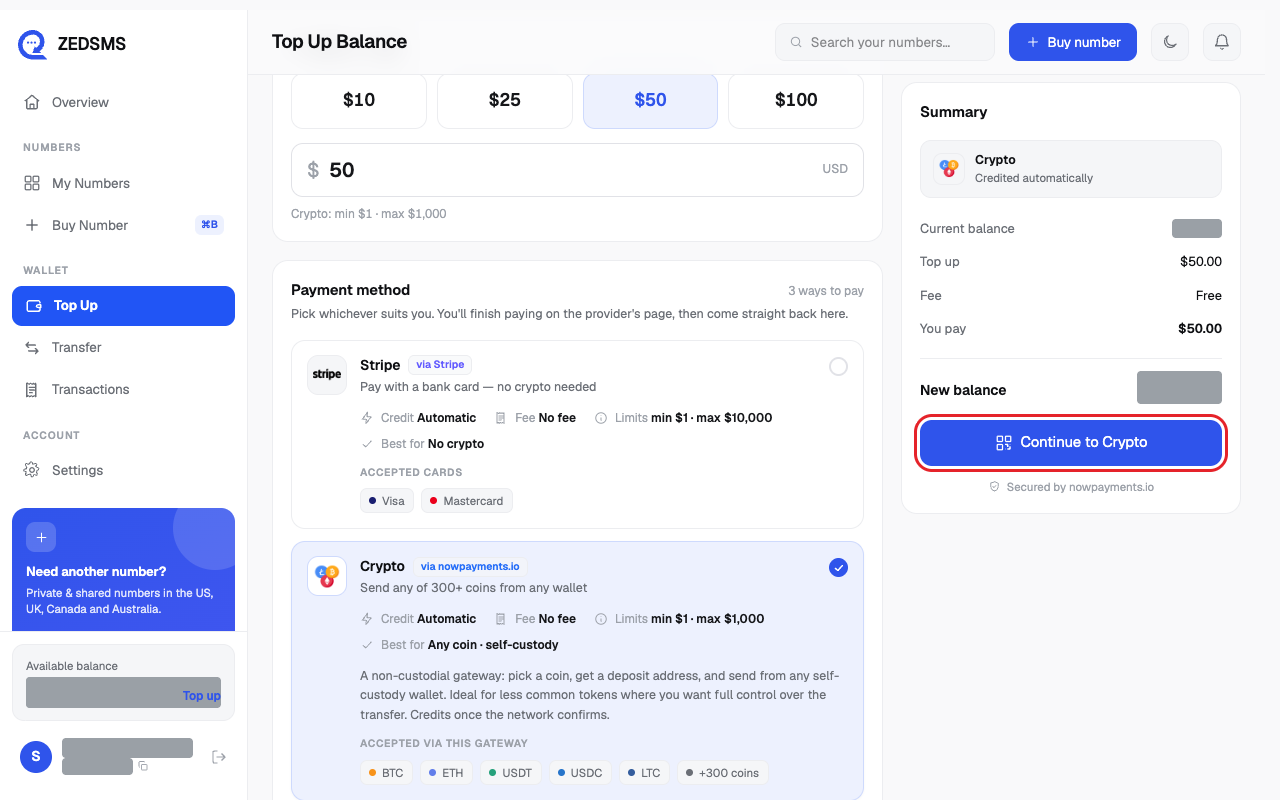
- Click Continue to Crypto and finish on the payment page.
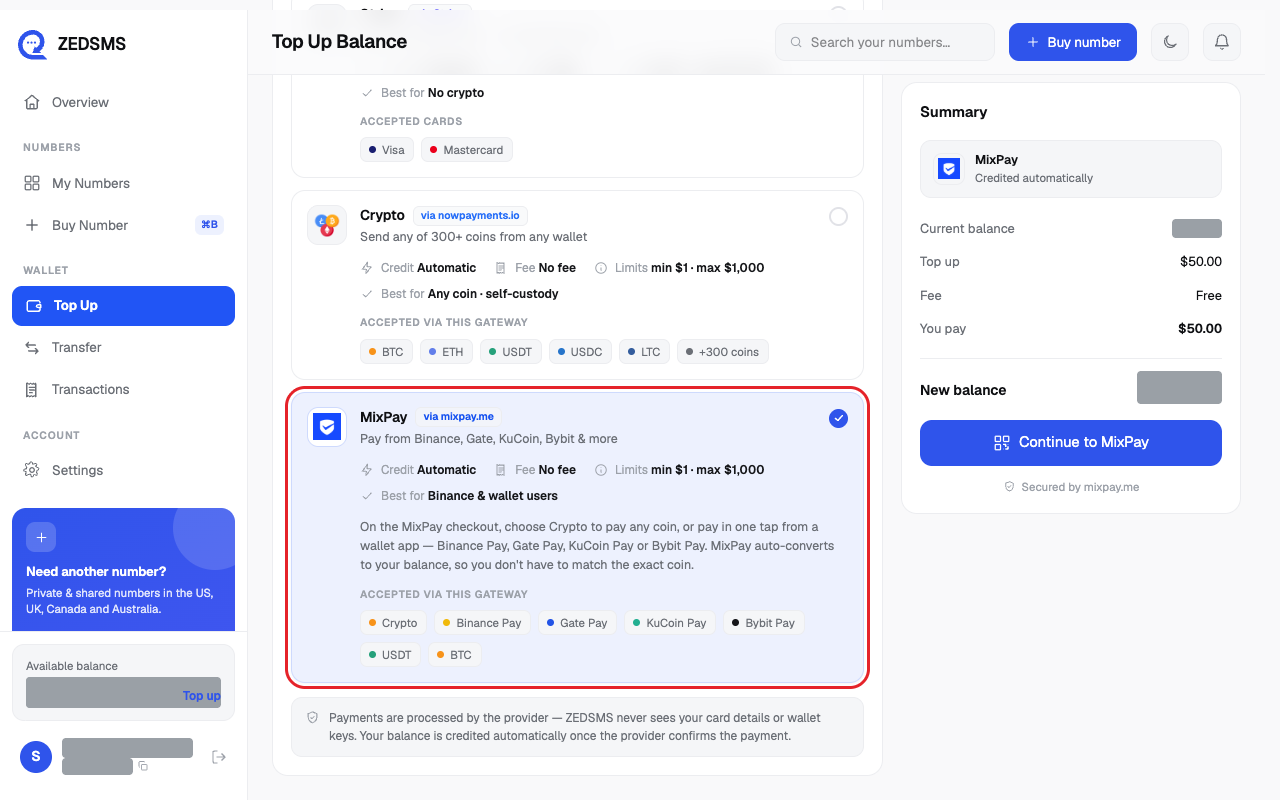
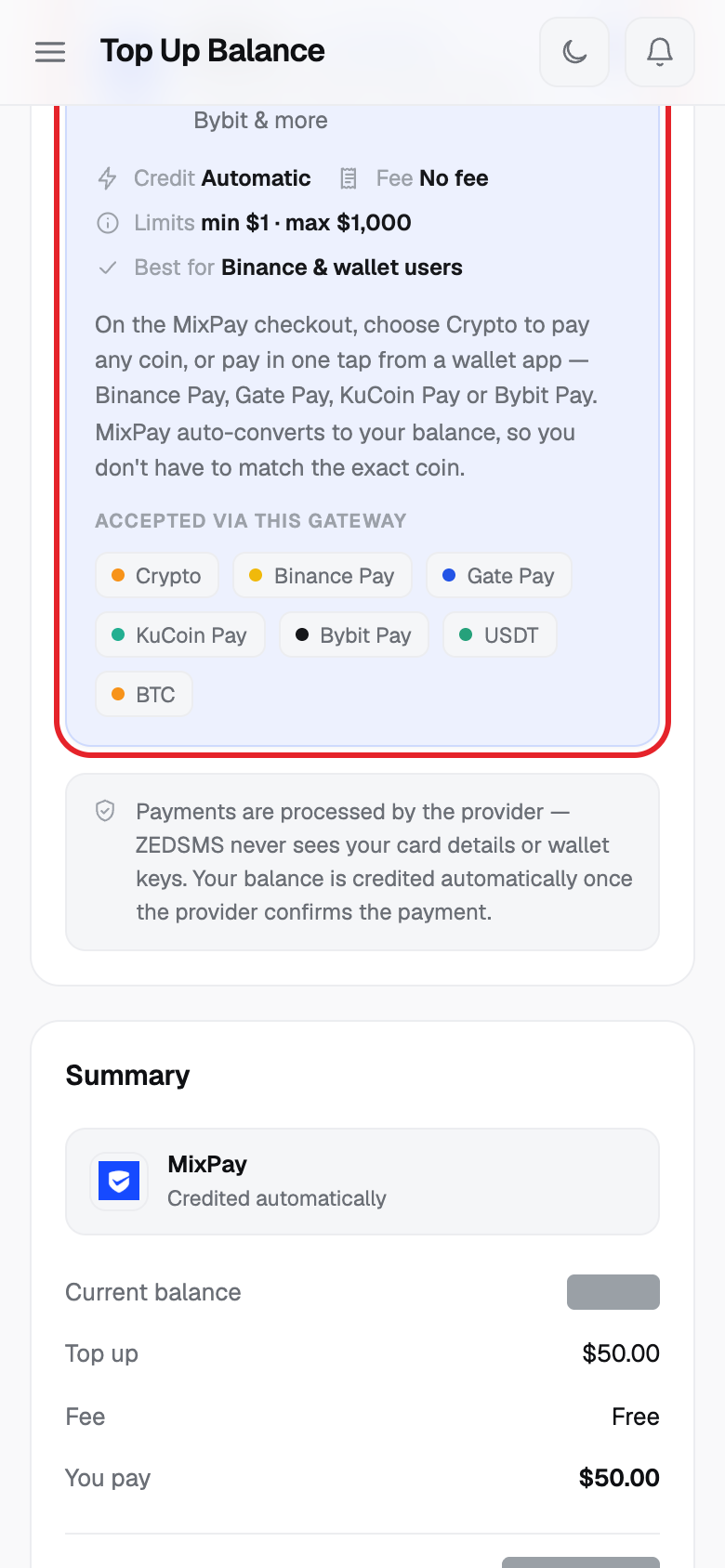
- Or click MixPay (pay from Binance, Gate, KuCoin or Bybit, or with any coin).
- Click Continue to MixPay and finish on the payment page.
- When you come back, the page says Confirming your payment… and then $ added to your balance. Click Go to dashboard or View transactions.
Using a phone? See the same steps on a small screen
Step 1
Step 2
Step 3
Step 4
Step 5
Step 6
Step 7
Step 8
Step 9
Good to know
- Your balance is added automatically once the payment is confirmed. The page waits up to about 90 seconds. If it is not ready it says Payment is processing and you can leave the page. Your balance updates by itself.
- Each method shows its own Fee and Limits on the screen. When this article was written all three showed No fee, with limits of $1 to $10,000 for card and $1 to $1,000 for each crypto option. Check the page for current values.
- Your card or wallet details are never given to ZEDSMS. You enter them on the payment page.
- Crypto payments are final. Money sent to a wrong address or network cannot be recovered or refunded. Use a new payment address each time and check the address, network, token and amount.
- Purchases are non-refundable once supplied, except in the cases listed in our Terms of Service (for example if you were charged twice).
- Every top-up appears in Transactions.
Common problems
- Enter an amount Type an amount greater than 0.
- Minimum for Stripe is $1.00 (or the method you chose) Type an amount at or above the minimum shown.
- Maximum for Crypto is $1,000.00 (or the method you chose) Type a smaller amount, or pay in more than one go.
- Top-ups are unavailable right now. Please try again later. Wait a little and try again.
- Could not start the payment Click the pay button again. If it keeps happening, email support@zedsms.com.
- Payment cancelled. You weren't charged, and nothing was added to your balance. Click Try again to start a new payment.
- The payment was declined by the provider. Nothing was added to your balance. Try another card or method.
- We couldn't match this return to a payment. If you were charged, your balance updates by itself. Check Transactions in a few minutes.
- Charged but no balance after 30 minutes? Email support@zedsms.com and include the Reference shown on the page or in Transactions.