

Close your ZEDSMS account for good.
Before you start
- Use all your balance first. Unused balance is lost and is not refundable.
- Your password. (If you signed up with Google, Apple or Telegram, email support@zedsms.com from the same address instead.)
Steps
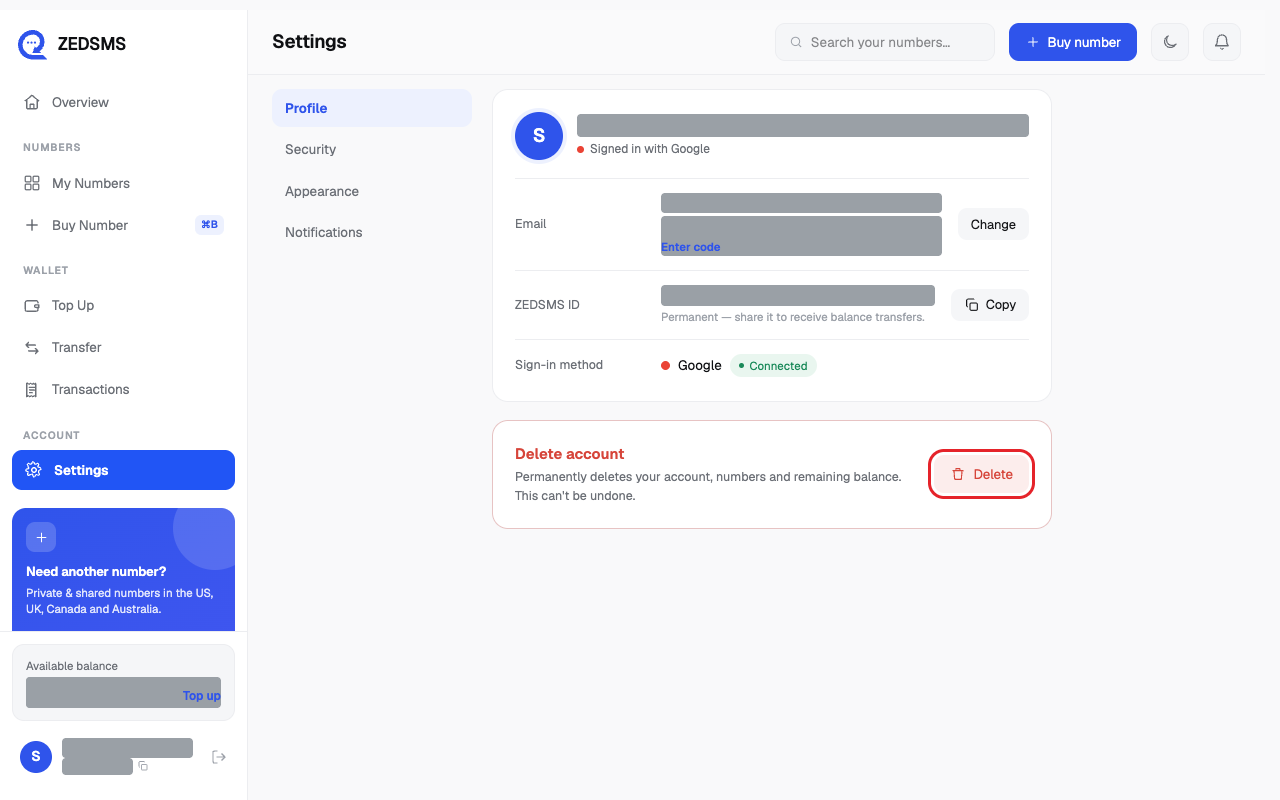
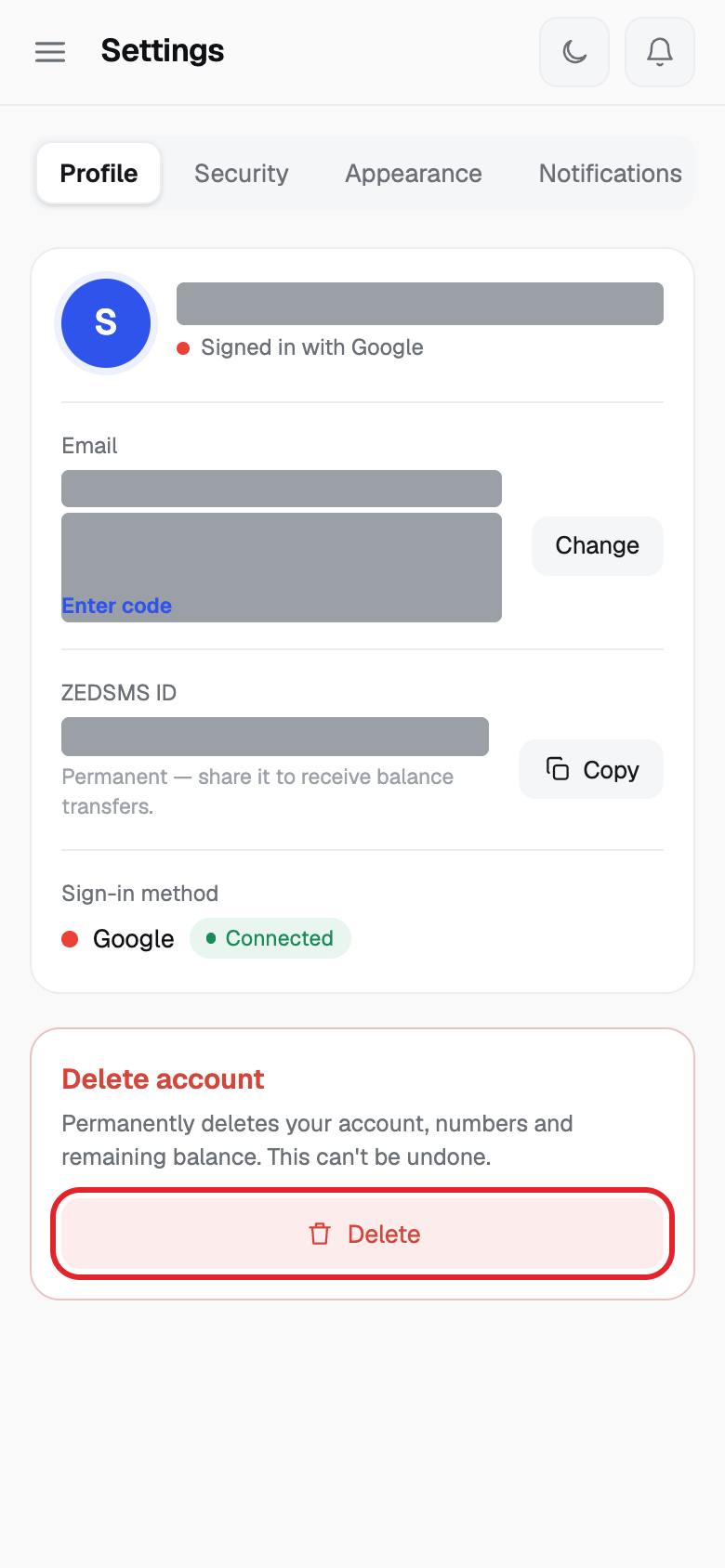
- Click Settings. On the Profile tab, find Delete account (the red box) and click Delete.
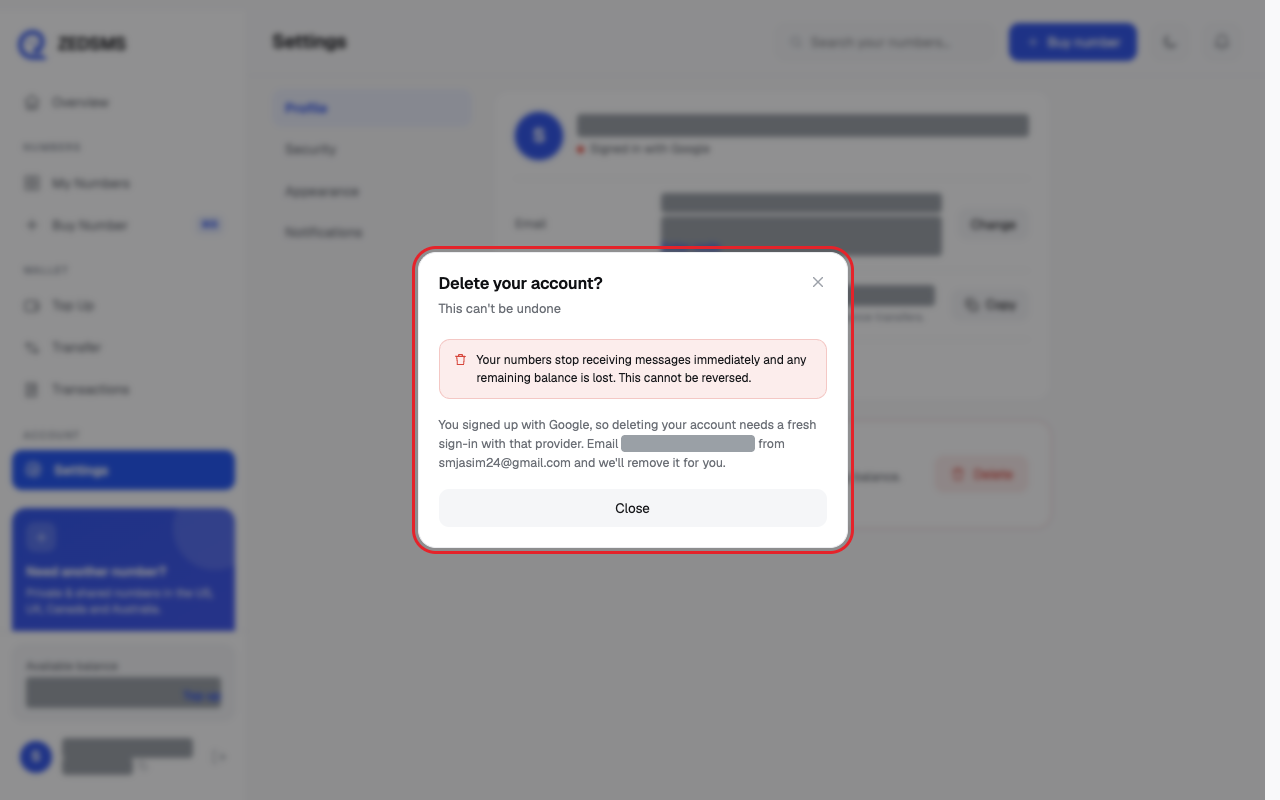
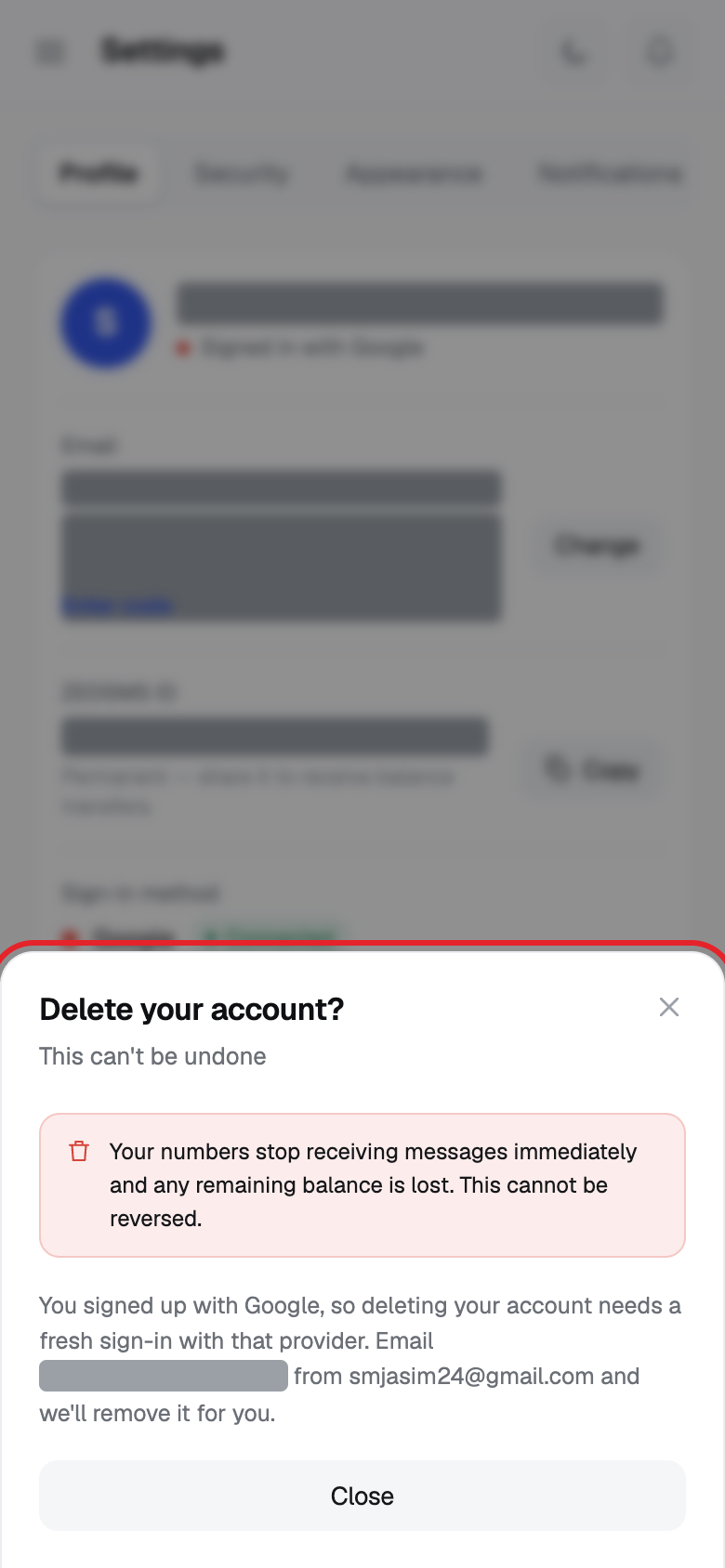
- Read Delete your account?
- Type your password in Confirm your password to continue.
- Click Delete account. Or click Keep my account to stop.
Using a phone? See the same steps on a small screen
Step 1
Step 2
Good to know
- This deletes your account, numbers and remaining balance.
- Numbers stop receiving messages at once. It cannot be undone.
Common problems
- Could not delete your account Check your password. If you signed up with Google, Apple or Telegram, email support@zedsms.com.
- Deleting… Wait for it to finish.