

Change the email on your account. We send a code to the new address to check it is yours.
Before you start
- You can open the new email inbox.
Steps
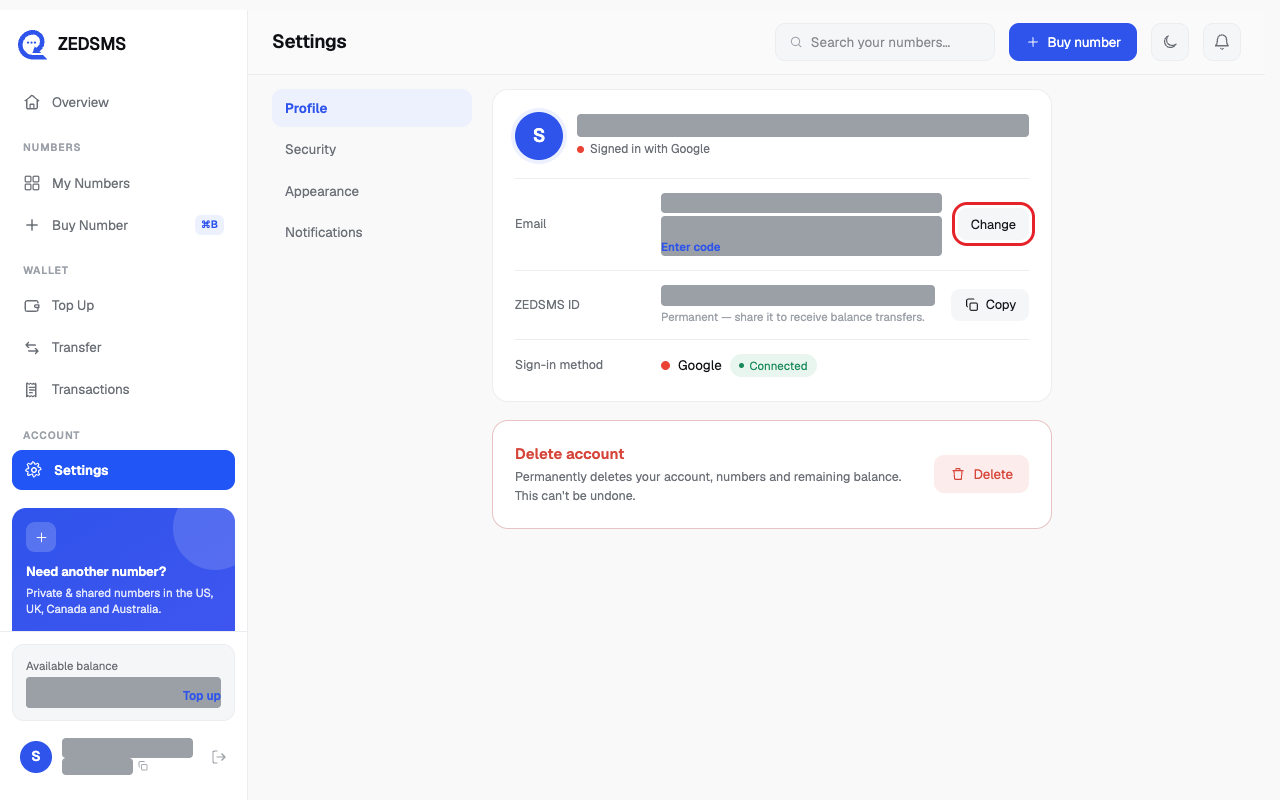
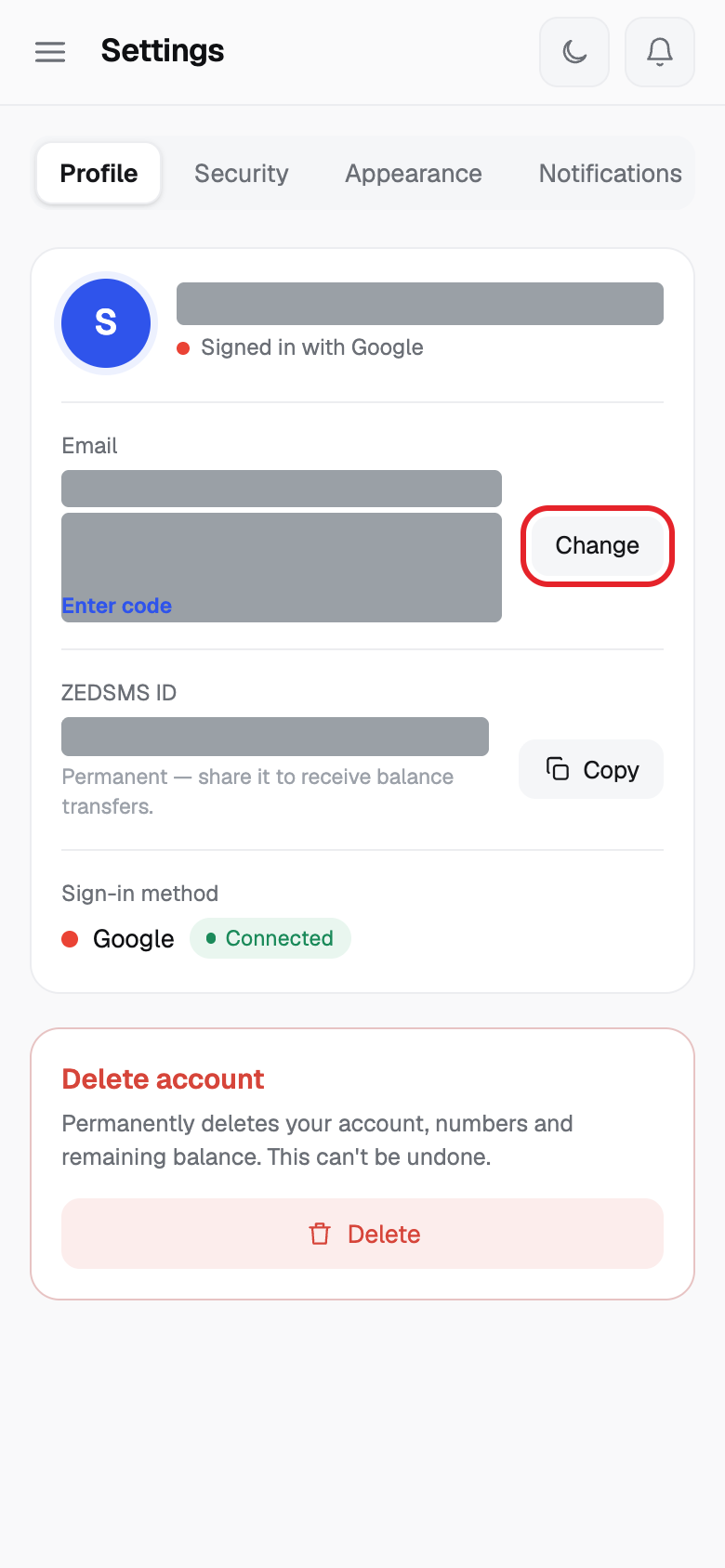
- Click Settings. On the Profile tab, next to your email, click Change.
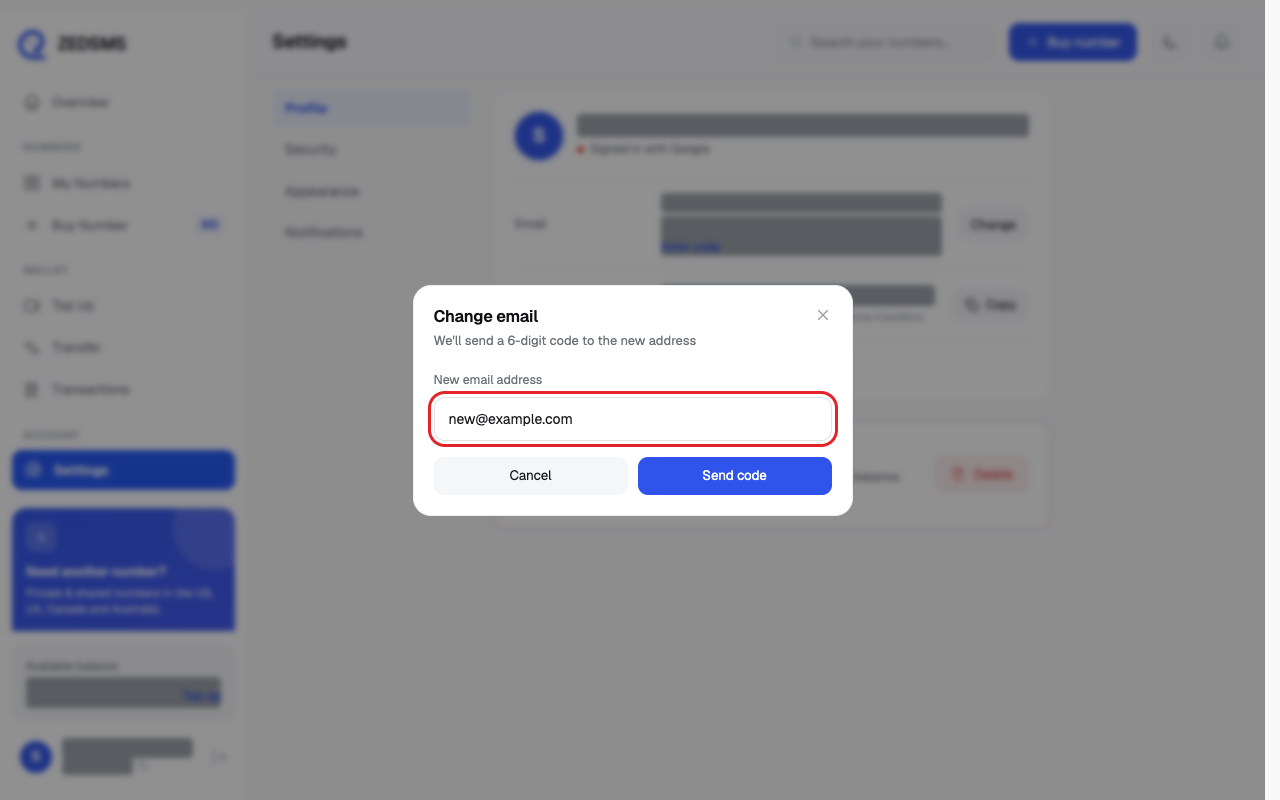
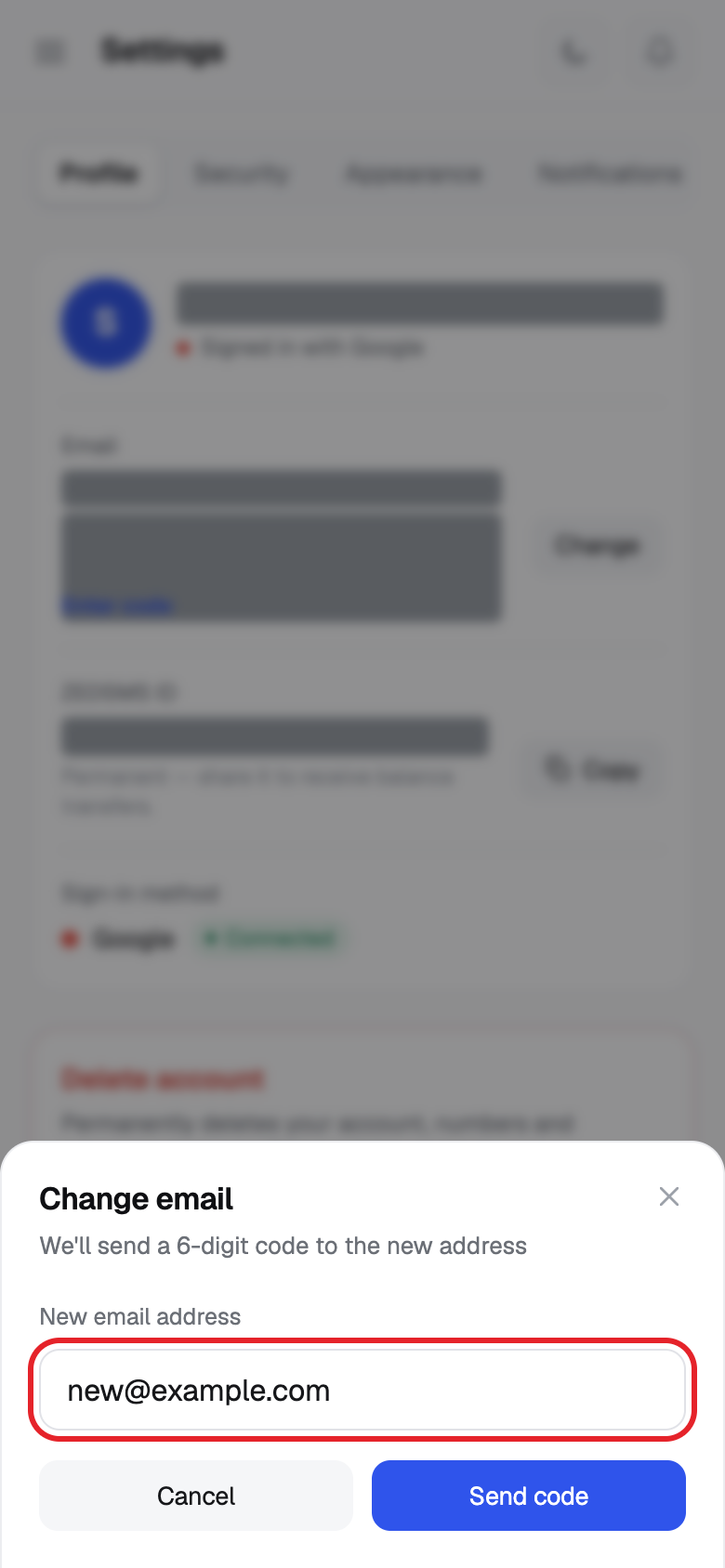
- Type the new email in New email address.
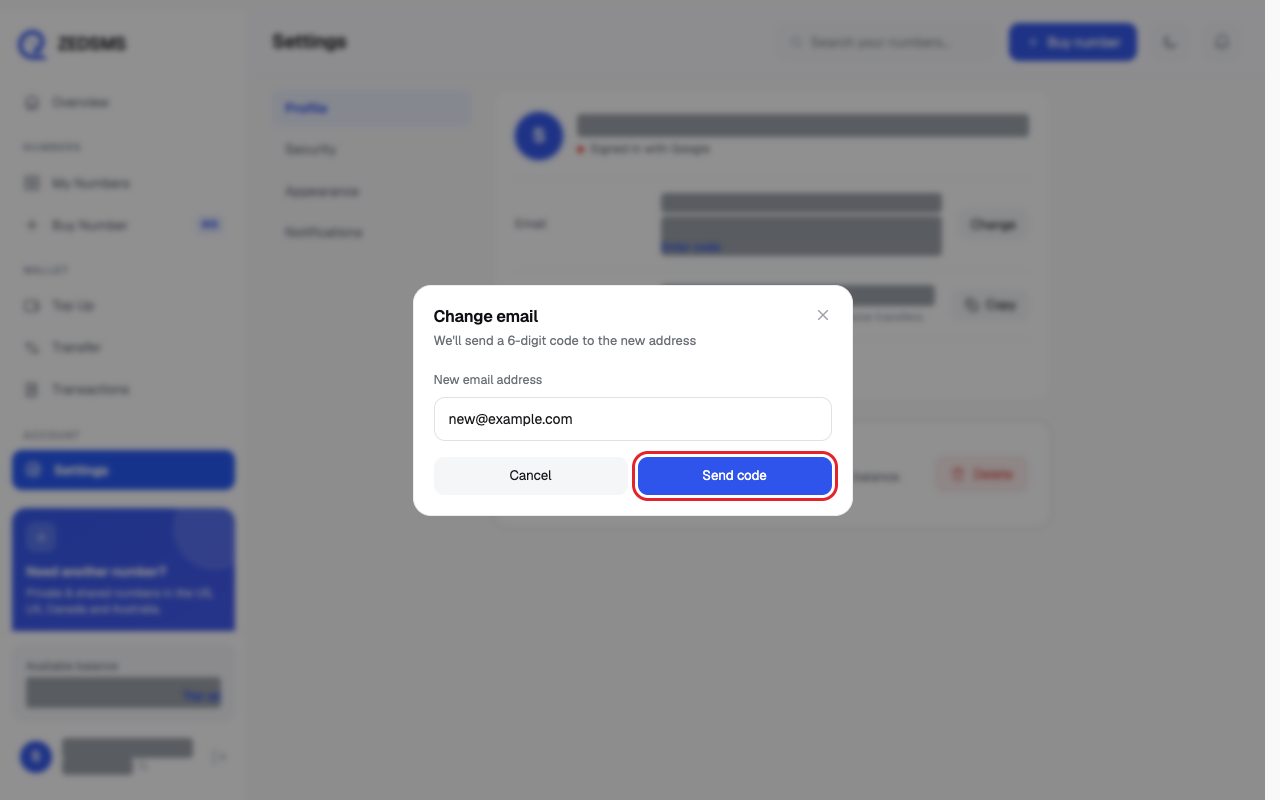
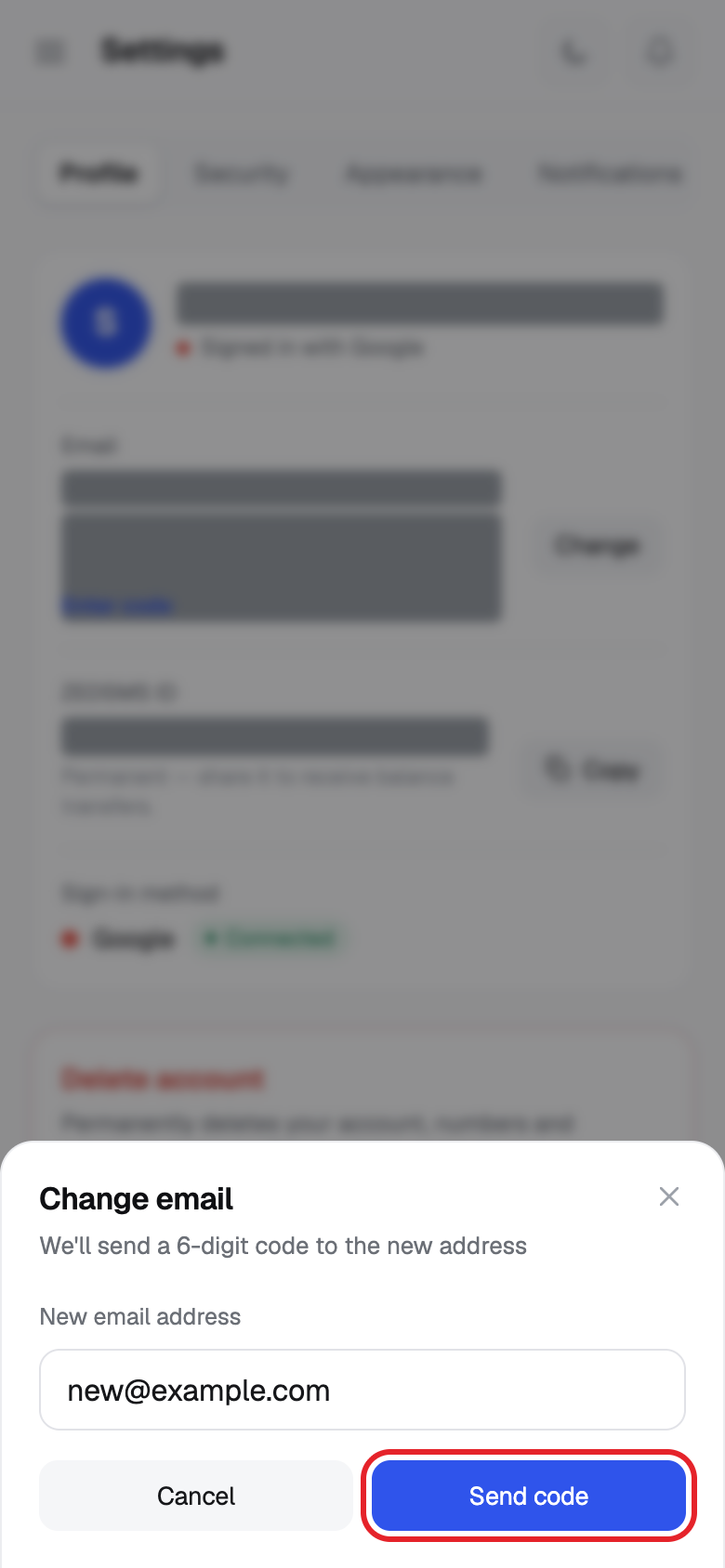
- Click Send code.
- Open the new inbox and copy the 6-digit code.
- In Confirm your new email, type the code and click Confirm email. Click Back to change the address.
Using a phone? See the same steps on a small screen
Step 1
Step 2
Step 3
Good to know
- The code expires in 10 minutes.
- If you left halfway, Pending change to … appears under your email. Click Enter code to continue.
Common problems
- Could not start the email change Check the address. It may already be used by another account.
- Could not verify the code Type the newest code. Ask for a new one with Back and Send code if it expired.